

1. Define a small internal follow-up
Use a database trigger when a live workflow changes a Twidget record and a follow-up event should run. This guide records a synthetic task change in a separate Task Audit table. It avoids customer emails and external services so the source write and follow-up can be inspected independently.
Prepare a development workspace, a Tasks table and a live endpoint that creates one synthetic task. The CRUD API guide covers the starting endpoint. Create Task Audit with text fields operation, source_table and record_id. Twidget supplies each audit record's own ID and creation time.
Start by listening only for created records. Add update and delete operations after confirming the first run. Database triggers differ from scheduled workflows: one responds to a qualifying write, the other starts according to time. The event's schedule is a separate setting and should be off when this example should run only on record changes.
2. Create the event and its trigger input
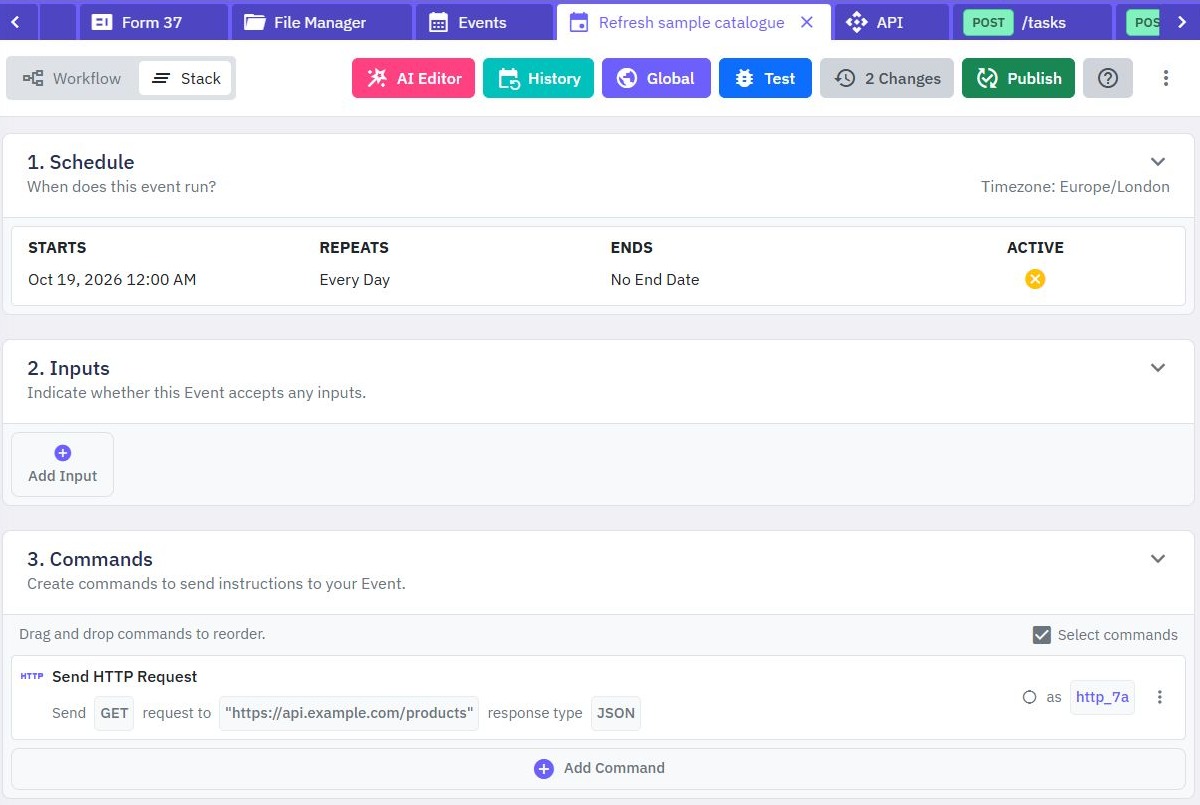
Open Events, select Create Event and name the event Record task change. Open its editor. Under Inputs, select Add Input, name it trigger and choose Object. This input is the contract expected by database triggers.
The event receives these change properties:
| Property | Meaning |
|---|---|
operation | INSERT, UPDATE or DELETE |
tableId | The table that changed |
oldRecord | The previous record, when available |
newRecord | The resulting record, when available |
Add Save Data targeting Task Audit. Use the variable selector to map the trigger's operation and table ID into operation and source_table. For the initial create-only example, map the new record's _id into record_id. Inspect the selector's actual references rather than typing an assumed endpoint body path.
Publish the event before selecting it in trigger settings. If an older event is rejected when saving a trigger, open and republish it. Keep its schedule disabled for this exercise.
3. Connect the source table to the event
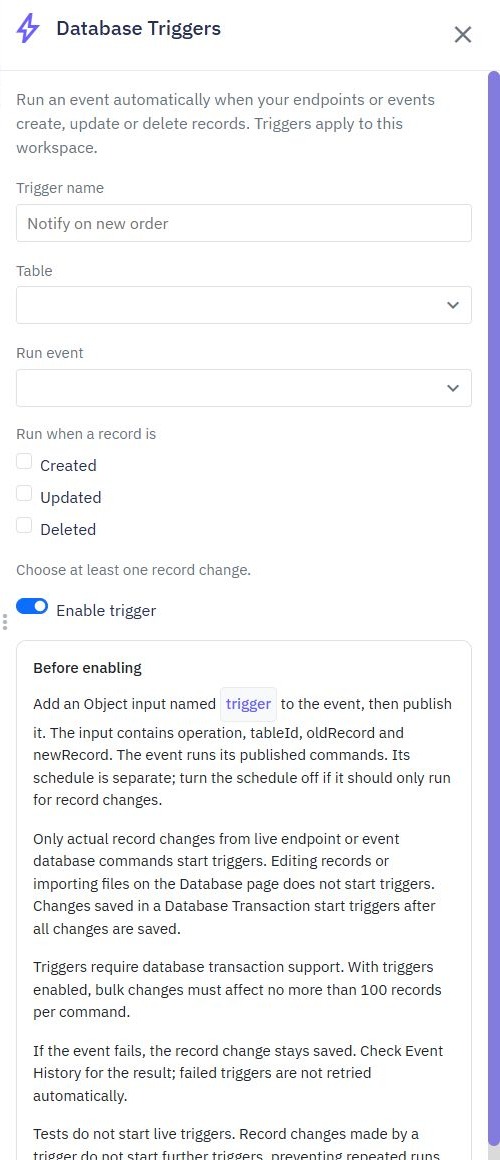
Open Database, find Tasks and use its options menu to select Table Triggers. This opens the selected table's trigger panel. Table Indexes is a different option used for lookup and uniqueness rules.
- Select Add database trigger.
- Enter the Trigger name, such as
Audit task creation. - Under Run event, choose the published
Record task changeevent. - Under Run when a record is, select Created.
- Select Enable trigger, then save.
Review the saved row's table, event, operations and enabled state. You can also review workspace-wide triggers under Settings → Database Triggers. When adding from that overview, explicitly choose the source Table.
Editing an existing trigger keeps its table fixed; create a different trigger to listen to a different table. Disable a trigger when you need to pause it without deleting its settings. Copied or cloned trigger settings begin disabled, so review them before enabling them elsewhere.
4. Make a qualifying live write and inspect both results
Call the published development endpoint to create one task with a recognizable title such as Trigger test 001. Confirm that the task was saved, then open the selected event's run history. Open the relevant run and inspect its result. Finally inspect Task Audit for the matching operation and source record ID.
The expected result for this create-only setup is one task and an audit record whose operation is INSERT. Treat the endpoint response, event result and resulting audit row as separate pieces of evidence. A source endpoint succeeding does not prove the follow-up event succeeded.
Directly editing a row in the table editor, importing rows and running isolated workflow tests do not fire database triggers. Use those tools to prepare data or inspect individual event commands, then use a live endpoint/event write to check actual trigger dispatch. Do not keep repeating table-editor changes while waiting for a run that those changes cannot start.
These instructions define the acceptance check for your workspace. A configuration screenshot alone shows settings, not a completed event or final stored result.
5. Add update and delete behavior deliberately
To audit more operations, update the event before enabling them on the trigger. For INSERT and UPDATE, use the new record's ID; for DELETE, use the old record's ID. A newly created record has no previous version and a deleted record has no remaining new version. Add a condition that chooses the appropriate reference instead of reading newRecord unconditionally.
Republish the event, then enable Updated and Deleted in the trigger. Perform one live update and one live delete of the synthetic task. Inspect run details and audit records for UPDATE and DELETE. Verify the old/new values you use before basing a later action on them.
Also test a non-selected operation: with only Created enabled, a later update should not start that trigger. Keep batches bounded; changing commands with enabled triggers support at most 100 affected records per command. Divide larger jobs into smaller batches and verify their recovery behavior.
Changes made inside a Database Transaction start their events after successful commit. A rolled-back transaction does not start them. Triggered changes require transaction support in the workspace environment.
6. Monitor failures and avoid hidden assumptions
An event failure does not undo a source record that has already been saved. Automatic event delivery is best effort; do not assume every failed run will be retried. Make a synthetic event fail deliberately in development, then confirm that the source write remains and the event history shows the failure. Restore and republish the working event before continuing.
Writes made by a triggered event do not start further database triggers. This helps prevent repeating chains, but it also means an audit write should not be used to implicitly launch another trigger-dependent workflow. Put required follow-up commands in the event explicitly and inspect errors at each boundary.
Deleting a selected event disables its triggers. Choose and publish a replacement before re-enabling them. Disable the source trigger before removing test tables. Keep durable records of work requiring later reconciliation if losing a follow-up would matter to your application.
For webhook-driven writes, combine this design with duplicate-event handling; a trigger is not itself an idempotency rule. The Twidget backend combines records, endpoints and events, while your application defines the recovery policy.
Go deeper
Supporting documentation
Find the configuration details and reference material behind this page.