
Choose the process you want to improve
Start with the work a person needs to do, rather than a long feature list. A service team needs to find a ticket and respond. A sales team needs to update a contact and its follow-up. An operations team needs a reliable record of a decision. Choose one of these journeys and define what a successful save looks like.
The examples below connect to written guides, existing documentation and product screens. They are starting projects you build in your own workspace, not downloadable complete business systems. Synthetic starter records and local preview actions remain separate from connected database workflows. Explore the internal tool builder if you are comparing the overall approach.
Explore the available page starters
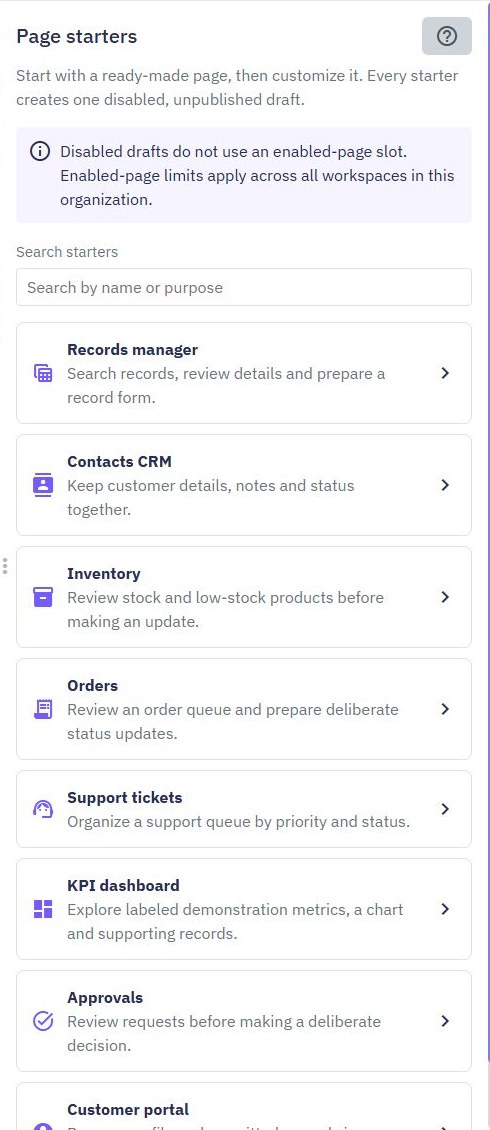
In Pages, choose Create Page and Page starters. Review the starter's resource summary before creating a disabled, unpublished draft. Available examples include Records manager, Contacts CRM, Inventory, Orders, Support tickets, KPI dashboard, Approvals and Customer portal. Choose synthetic sample data while evaluating a layout.
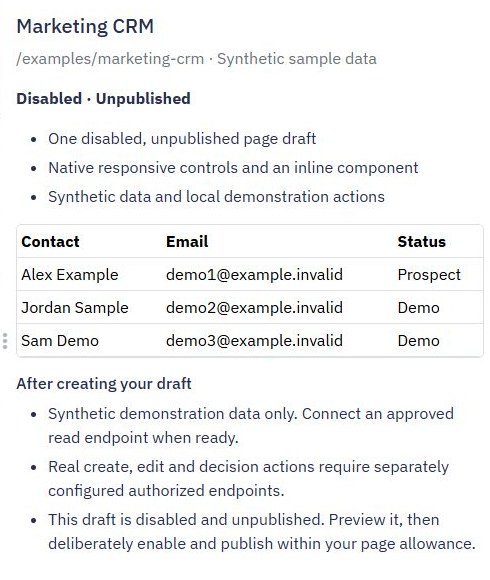
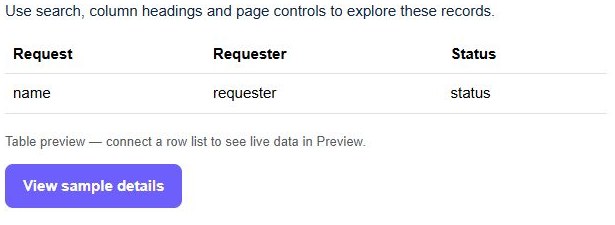
Preview its table, details, form and empty feedback. A matching layout can save interface setup, but its presence does not prove that a complete CRM, stock ledger or support system has been implemented. Connect approved read endpoints and configure authorized writes for the project you choose. Check current allowances before enabling resources.
Apps for customers and service teams
- Simple CRM: organize contacts, companies and follow-up work.
- Support tickets: accept a request, manage an internal queue and give a customer access to their own ticket.
- Customer portal: combine login, private records and request forms.
- Booking requests: collect a preferred time and review it before confirmation.
For each app, define the backend record model before connecting the layout. Keep staff notes separate from customer-visible fields and test permissions with two synthetic accounts. The portal product overview explains the customer-facing fit.
Apps for internal operations
- Inventory management: separate products from stock movements and check repeated updates.
- Purchase requests: record quantities, review decisions and a request history without initiating payment.
- Approvals: define permitted transitions and reviewer access.
- Database dashboard: connect bounded summaries and useful supporting records.
Use CSV exports when staff need an intentional extract, and multi-step forms when a longer submission needs review. Keep exports and forms subject to the same backend permission rules as the rest of the app.
Turn a starter into a tested app
Work through four checkpoints: model the records, authorize the endpoints, connect the interface, then test the full journey. Expected results include a confirmed persisted record after reload, a denied foreign-record request, useful invalid-input feedback and an empty result that does not resemble an error.
Start from the web app builder, use the workflow testing guide for backend checks and deliberately publish reviewed changes. Pair a written example with the video library when you need a closer look at a control. Choose a small working scope before adding external integrations or automated notifications.
Go deeper
Supporting documentation
Find the configuration details and reference material behind this page.