
1. Reduce the failure to a reproducible test
Record the endpoint, method, intended input and observed response without copying credentials or customer records. Reproduce the symptom with a small synthetic fixture in Dev. For example, a request missing a title should be rejected deliberately; a later save failing on an unexpected null value is a different problem.
Open the relevant endpoint, server function or event and choose Test. Check input names and data types against your validation contract. Keep Use live data off while investigating database mutations. A draft editor test and a published HTTP request may use different workflow versions, so record which one reproduces the issue.
2. Run with execution tracing
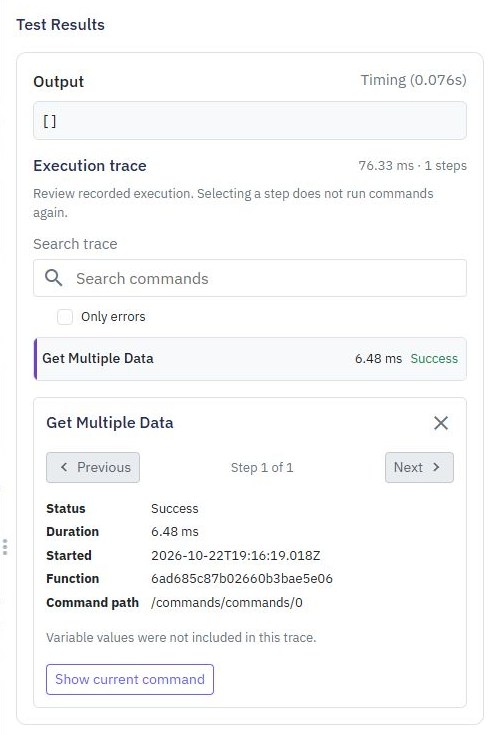
Enable Trace execution before the next test. Leave variable capture off unless the values are needed. Run the test and inspect the execution trace, looking for the earliest unexpected command rather than only the final error message.
Search the trace or filter to errors, then select a step for status, timing and available details. A handled error can occur in a run that completes successfully; check the final output and recovery path. Missing or shortened values are not proof that a command did not run. Avoid sharing traces until you have checked their contents.
3. Pause an isolated test before a command
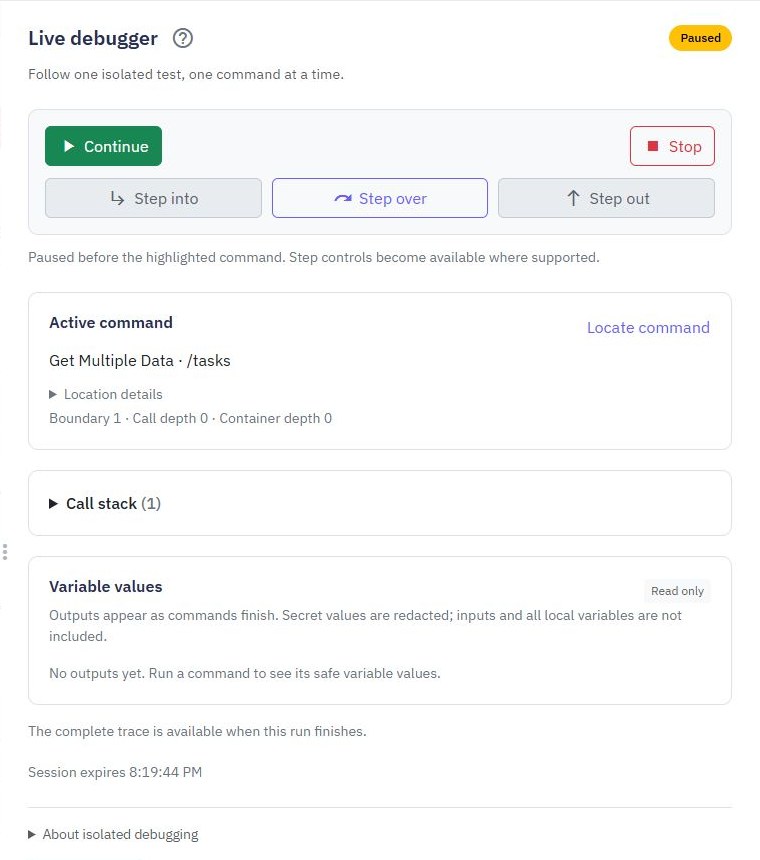
For supported server workflows, set a breakpoint using a command's menu or breakpoint control, or leave Pause before first command selected in the test panel. Choose Debug test with live data off. An ordinary Run Test does not pause at these breakpoints.
A pause occurs before the active command executes. Its new output is therefore not available yet. Leave Capture debugger values enabled only when safe output previews help; this setting is separate from ordinary tracing's variable option. Breakpoint changes apply to the next debug run, so start a fresh run after changing them.
Prefer to follow the controls on screen? Watch the existing tutorial: debug with breakpoints and stepping.
4. Step through the smallest failing path
Use Step over to execute the current command, Step into to enter supported child commands and Step out to leave a called function. Continue runs to the next breakpoint or completion. Only choose another action after the current step reaches its next paused state.
Compare recorded outputs with the input expected by the next command. Check a field's type, a missing nested path and the condition branch actually taken. The debugger shows bounded read-only previews, not an editable view of every variable. Called functions use published versions, so review that version before reasoning about their commands.
5. Fix the cause and add a regression check
Correct the smallest relevant mapping, condition or validation rule. Rerun the original failing input, then a valid input and a nearby boundary case. A helpful error response should preserve the distinction between invalid input, denied access and an unexpected internal failure.
Use Try/Catch deliberately when a failure has a useful recovery path; do not turn every error into a success response. Add an assertion or saved API journey that would catch the original defect. Review stored data when testing writes: a command trace alone cannot prove a transaction committed or rolled back.
6. Verify the released fix separately
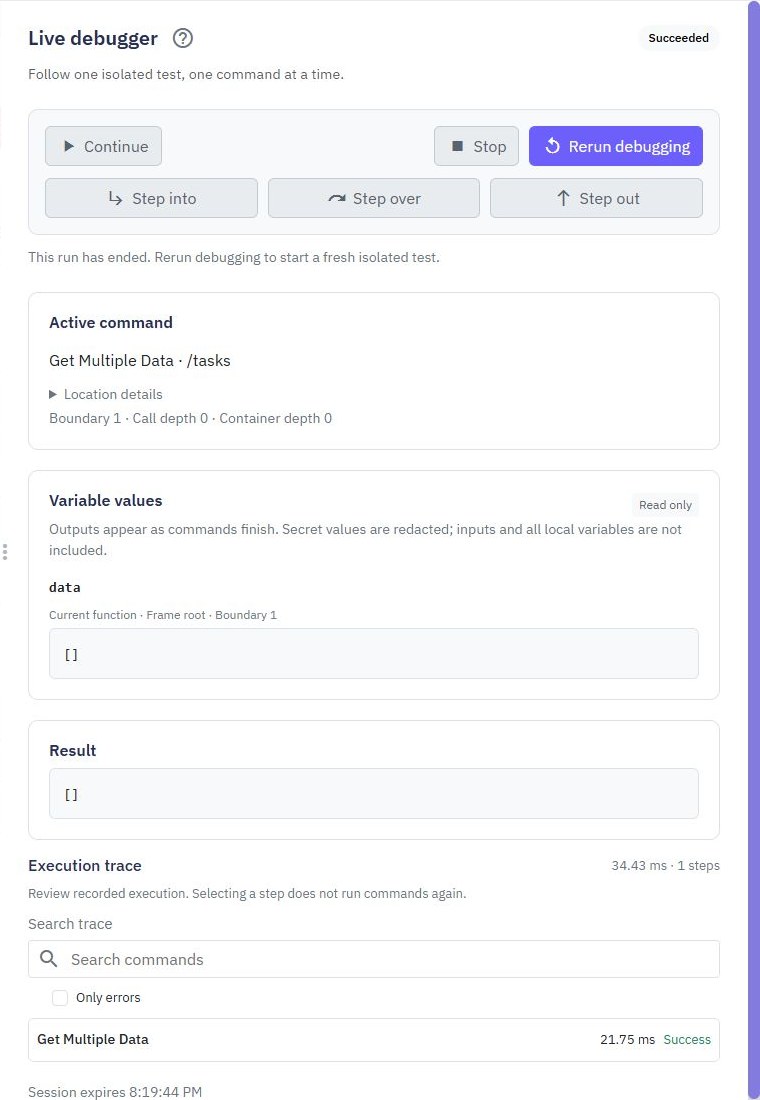
Live debugging is for supported isolated server tests. External actions, file operations, shared cache, realtime, jobs, streams, external database connections and transactions are unavailable in debugging. Exercise those separately with controlled fixtures. Keep the debugger open and respond promptly to paused sessions; they have bounded lifetimes.
When a run's connection is uncertain, use Reconnect to check that run before starting another. After the fix, publish the reviewed workflow and verify the actual HTTP response or frontend action. Follow the release guide for a separate Prod workspace. The API builder provides both the editor and the testing controls.
Go deeper
Supporting documentation
Find the configuration details and reference material behind this page.