
1. Prepare separate Dev and Prod workspaces
Use two existing workspaces in the same organization: a source labeled Dev and a destination labeled Prod. Check access and workspace allowances before beginning. Releases needs an eligible destination; it does not create a workspace or increase your plan allowance.
Keep demonstrations in a dedicated environment. Our screenshots use Marketing, and show release configuration rather than claiming a production promotion occurred. Inventory the backend workflows, page changes, table requirements and environment-specific values for your release. The app builder contains several resource types, and not all of them move through the workflow-release tool.
2. Test and publish the source workflows
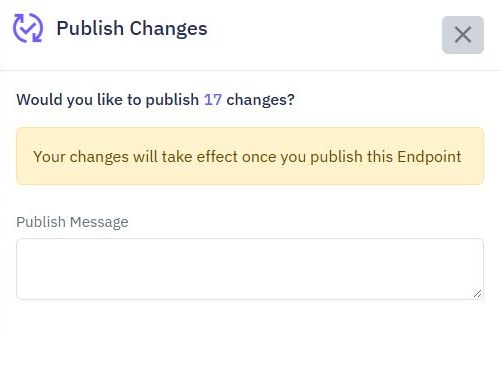
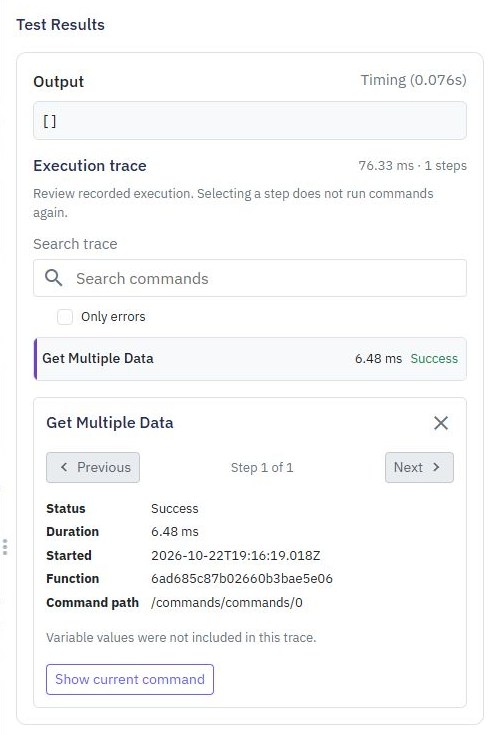
Run individual tests and an ordered endpoint suite against the intended source behavior. Publish the reviewed endpoints, functions, middleware and events in Dev. A release reads their published versions, so an unreviewed edit left in a draft is not the version you are promoting.
Resolve unfinished destination workflow edits before reviewing the release. Record a short release note describing the user-visible change and the checks performed. Review all relevant permissions and schedules separately; publishing a workflow definition is not a reason to enable an externally visible endpoint or recurring event without checking it.
3. Prepare dependencies and environment values
Compatible tables must already exist in Prod. Prepare their layouts, indexes and required data deliberately. Match required global variable names and types, while saving Prod's own values through the normal private settings. Never copy a Dev secret into production merely to satisfy a name match.
Releases does not migrate database records, table layouts, indexes, triggers, credentials, global values, workspace settings or event schedules. Current release review also blocks workflows with saved connected-account, external-database or API-request credential references; creating a similar Prod connection does not automatically map them. Review the current release documentation before preparing those workflows.
4. Review the selected workflow changes
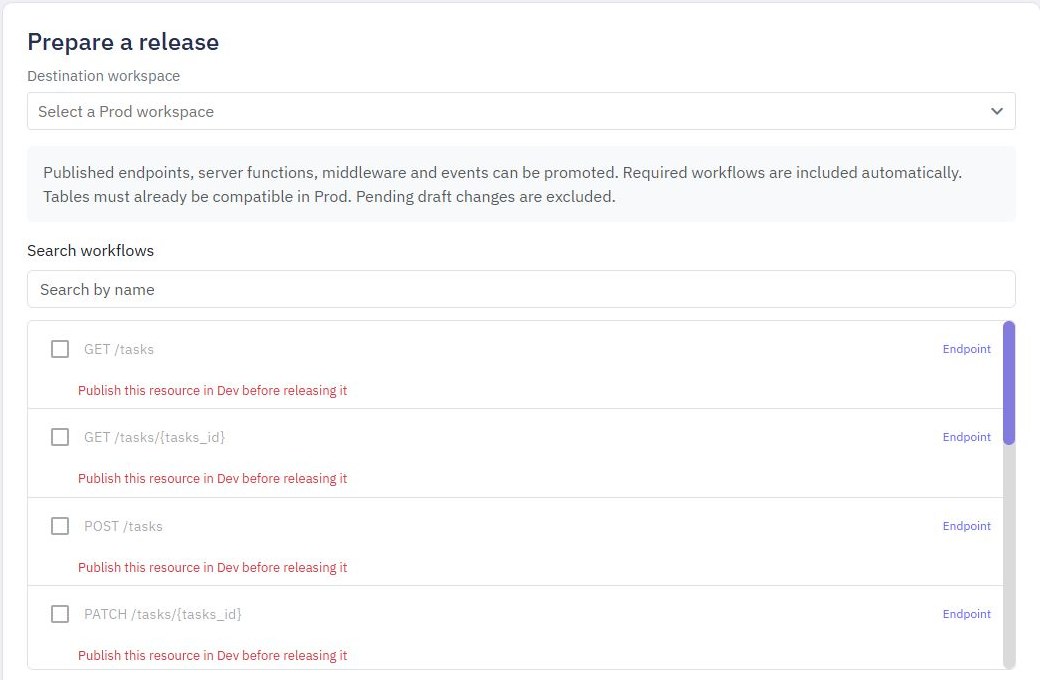
In Dev, open Releases, choose the Destination workspace, select workflows and optionally add a release note. Choose Review changes. Inspect added, updated and unchanged definitions, required dependencies and blockers. Expand the comparison for material changes.
Only choose Promote release after the exact reviewed set is ready. If the source or destination changes or the review expires, prepare a fresh review. If a request is interrupted, check release history before repeating it. The workflow release coordinates definitions; it does not establish that every downstream effect or frontend journey works.
Prefer to follow the controls on screen? Watch the existing tutorial: review a Dev-to-Prod release.
5. Verify endpoints and publish pages separately
After promotion, check the destination's release history and run bounded smoke checks with synthetic records. Existing endpoint access settings and event schedules remain in place. New endpoints remain disabled and new events inactive until you review and enable them.
Prepare and publish the frontend pages separately using their normal editor and destination configuration. Releases does not promote pages as part of this workflow set. Confirm the pages call Prod endpoints, then check login, a permitted read, a rejected read and a representative save through the actual page. A successful release history entry does not prove those browser checks.
6. Plan recovery before changing production
Automatic rollback is available for eligible releases that updated existing workflows. A release that introduced new workflows cannot automatically remove them through that rollback path. Later edits can also block an older rollback. Review the available action and comparison rather than assuming a universal undo button.
Rollback restores eligible workflow definitions; it cannot unsend messages or reverse records already changed by requests. Plan data recovery and external side effects separately. Keep a release note, verification results and an owner for follow-up. Compare current allowances on pricing and use focused debugging in Dev when investigating a production symptom.
Go deeper
Supporting documentation
Find the configuration details and reference material behind this page.