
1. Choose one stable piece of shared logic
Use a backend custom function when several endpoints or events need the same explicit operation. This example calculates an order-line total from quantity and unit price in minor currency units. It is a design recipe to configure and test, not an automatically installed function.
Keep the first function small: validate two numbers and return their product. Database reads, customer authorization and notifications remain in the callers initially. If shared logic should always run before or after a workflow, review middleware instead. Explicit function calls and automatic middleware solve different needs.
2. Declare typed inputs and an output
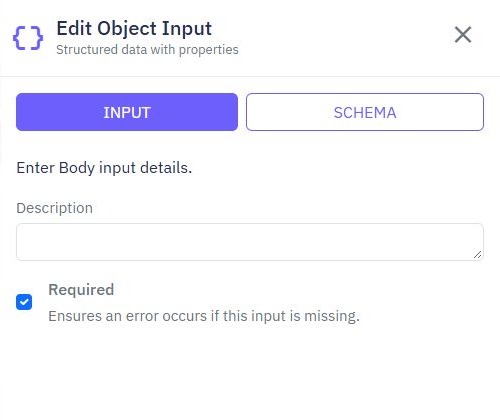
Create a function with number inputs such as quantity and unit_price_minor. Backend function inputs are typed values rather than endpoint Body, Query or Headers inputs. Define the intended bounds, integer requirement and supported maximum total. A Number input alone does not enforce those business rules.
Choose a clear output, for example an object containing line_total_minor. Define an output schema to explain the result to callers. It documents the contract; verify actual behavior with tests. Keep currency explicit in the surrounding order workflow and avoid adding totals across currencies.
3. Build the shared command sequence
Add validation before calculating the total, then map the result into the output. Reject missing values, fractions where whole units are required, negative amounts and totals beyond your supported range. Use Twidget's command picker and variable selector to bind the actual declared inputs.
Do not accept a precomputed client total as authoritative. In a purchase workflow, load the permitted price on the backend and pass that trusted value to the helper. This helper can calculate correctly while its caller still authorizes the wrong record; test both boundaries. See purchase requests for the full application context.
5. Test the helper and its callers separately
| Helper input | Expected contract |
|---|---|
| Quantity 3, unit price 1250 | Total 3750 minor units |
| Missing quantity | Validation failure |
| Negative price | Validation failure |
| Total above application maximum | Validation failure |
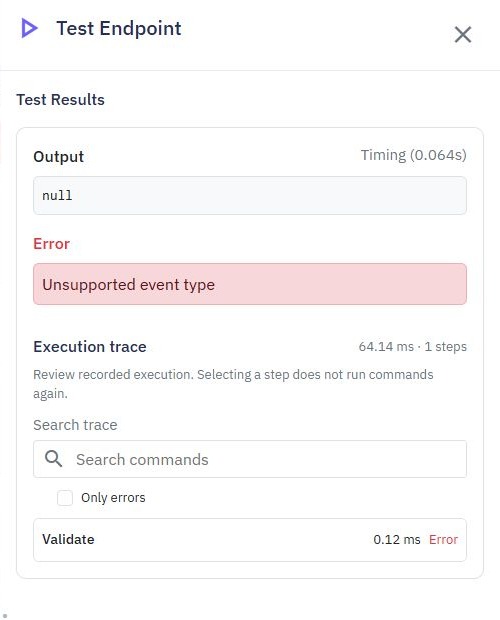
Then run each caller with its real mapping. Test a denied customer and a stale price selection, not only arithmetic. Use isolated data for initial checks. A passing direct function test does not establish a published endpoint's permissions or response shape.
6. Review shared changes as a dependency
List callers before renaming an input or changing the output. Prefer a deliberate migration when an old caller still expects a different shape. Save and publish the relevant changes, then exercise the published callers through the API client.
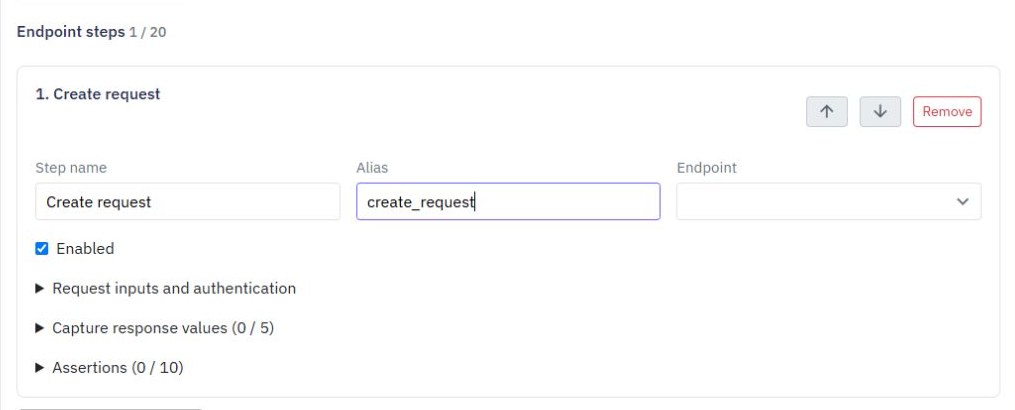
Use a multi-step test suite for workflows that call the helper. If one endpoint behaves differently, inspect input mapping and published state before duplicating the logic again. Reuse earns its value when callers share a clear, verified contract.
Go deeper
Supporting documentation
Find the configuration details and reference material behind this page.