
1. Define what one batch means
Use this workflow when a submission contains several attachments. Prepare two small synthetic files and decide your application's maximum file count, per-file size, total size, acceptable formats and destination. These are application policies, not Twidget platform limits. Check current plan allowances and whether the generator option is available in your workspace.
Choose what should happen when one item fails. A batch can reject before any upload, report individual outcomes, or require a recovery process. Do not promise automatic all-or-nothing storage. File uploads and database transactions are different operations.
2. Review the multiple-file generator
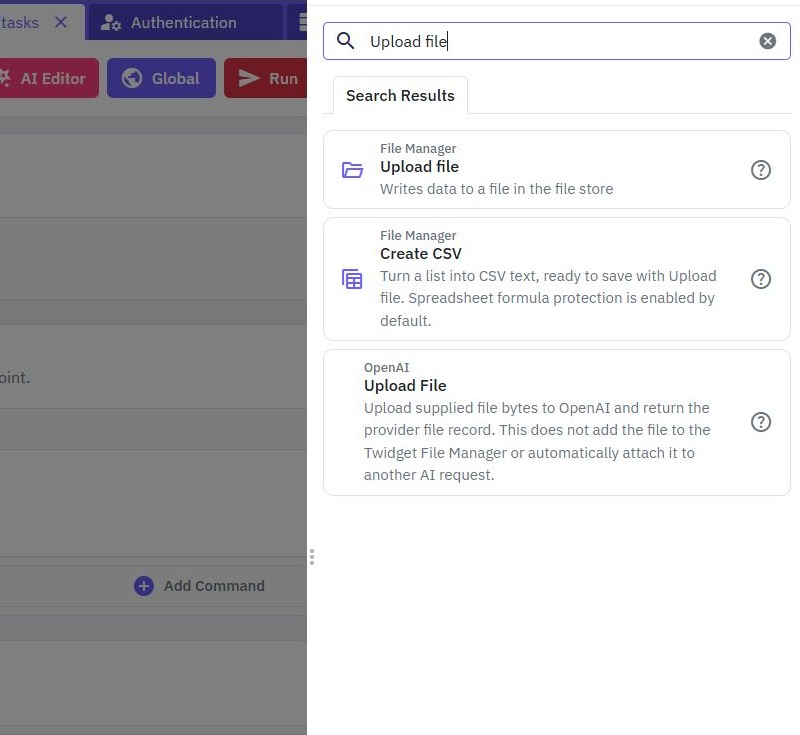
In API → Create Endpoint → Manage Files, look for the multiple-file upload operation. Review its selected path, file input names, list setting, metadata and output before saving. The actual generated contract is authoritative; do not copy a multipart key from a single-file endpoint without comparing it.
If the option is unavailable, use the single-file workflow and an explicitly bounded client-side queue instead of inventing a multi-file contract. Protect customer uploads with authentication and destination rules. See the multiple-file generation tutorial for the generator walkthrough.
3. Validate the batch before accepting work
Reject an empty list, an excessive count and items violating your size or format policy. Prefer validating all available file metadata before starting storage work. File content may need additional checks beyond MIME type and extension; configure those checks for your own requirements.
Derive permitted storage location and visibility from verified application context. Never allow a caller to overwrite another customer's file by supplying a chosen path. Generate collision-safe destinations and store a relationship between the owner and the saved-file reference. Review record ownership for the database side.
4. Preserve a result for each submitted item
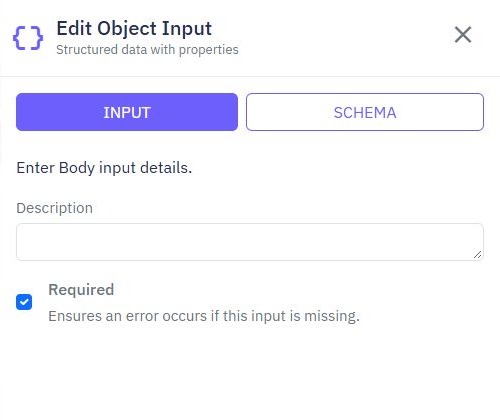
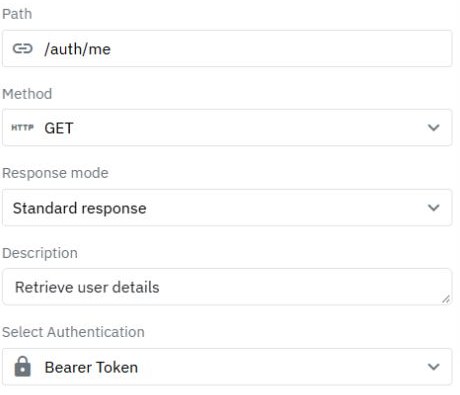
Connect the client using multipart form data and the actual endpoint's list encoding. Let its request implementation set the boundary. Map the returned collection so the interface can distinguish a selected file from a confirmed stored file. Use a stable local item identifier when different items have the same display name.
Inspect the generated workflow's failure behavior before deciding how to retry. If it stops after the first failure, earlier files may already exist. Repeating the whole batch may duplicate them. Track confirmed results, retry only unresolved items when the contract supports that, and design cleanup or reconciliation explicitly.
5. Exercise mixed and repeated submissions
Test two allowed files, one invalid item among two valid ones, repeated filenames, an empty batch and an expired session. For each, inspect both the HTTP response and File Manager. Count the saved objects rather than interpreting a successful status as proof every item exists.
Repeat a failed request and inspect whether it adds duplicates. Test a network failure where the client did not receive a response: storage may have completed. A read-after-write check or application receipt can help reconcile uncertain outcomes. These are acceptance steps for your workspace; this guide does not claim an executed multi-file batch.
6. Publish with bounded client behavior
Review and publish the endpoint, then test the published URL from a small upload interface. Show pending and per-item results, cap client concurrency and avoid unlimited automatic retries. Provide one useful summary, such as two stored and one requiring attention, only when the response establishes those counts.
Use the upload-form guide for form wiring. If you also save an attachment record, define how to recover an uploaded file whose database write failed. An application-level reconciliation step is more truthful than treating two separate systems as one atomic operation.
Go deeper
Supporting documentation
Find the configuration details and reference material behind this page.