
1. Define the states before hiding elements
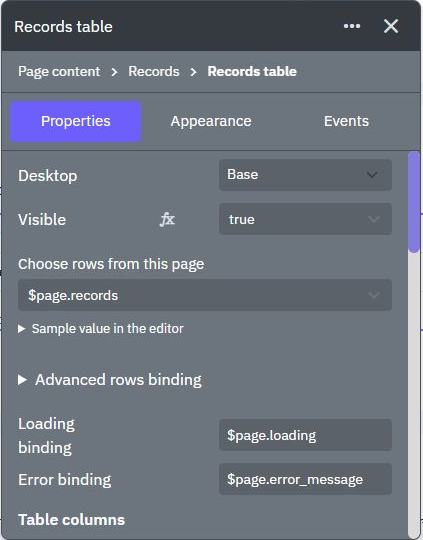
A record list typically needs loading, ready, empty and error states. Write down the transitions: initial request starts loading; a successful list becomes ready or empty; a failed request becomes error. A single variable holding an empty array cannot tell you whether nothing matched or the request has not completed.
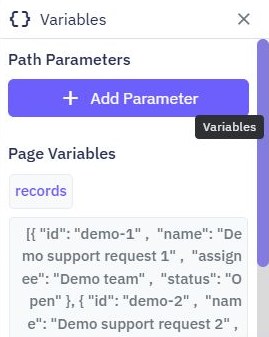
Use this recipe with an existing page table and synthetic data. Define a state such as view_state, plus the result list and a safe error message. Do not start with a permission-related hidden section as a substitute for a protected endpoint.
2. Bind sections to explicit conditions
Create separate sections for the state messages and the data view. Use the element's available visibility condition or an appropriate layout state, mapping it to the page variable through the value selector. Check the exact control in the current editor. Hiding a section and opening a modal are related interface techniques, but have different behavior.
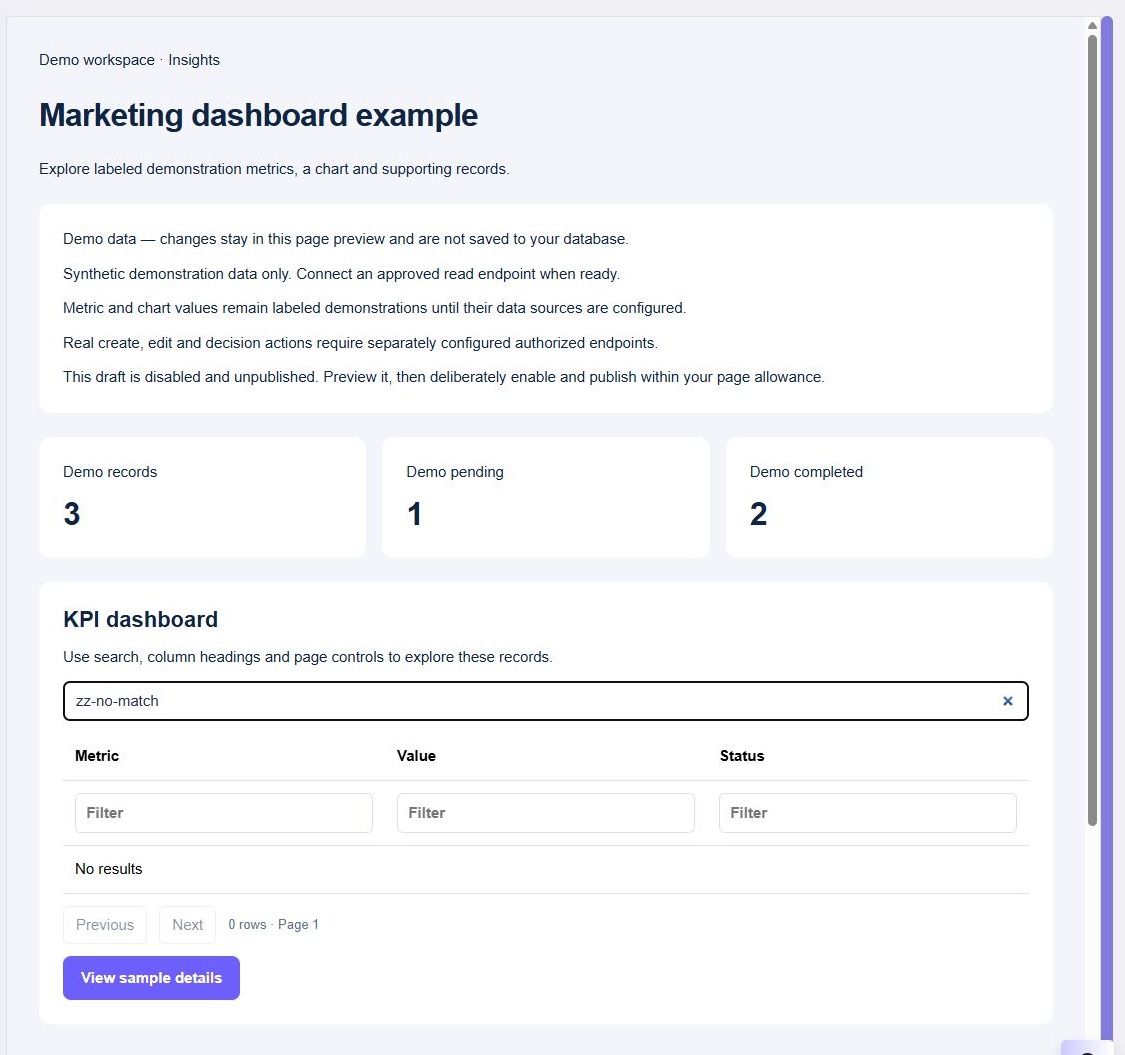
Only show the table for the ready state; show No matching records after a successful empty response. The page variables tutorial covers state values. Use layout controls when you need an explicit modal or drawer open/close action.
3. Set state on every request outcome
At request start, clear obsolete messages and choose whether old data stays visible with a pending label or is hidden. On success, store the returned list before selecting ready or empty. On failure, store a useful message and select error. Make sure pending state clears on failure as well as success.
If multiple reads can overlap, compare the response's request identifier or selected filter before applying it. Otherwise a slow response for an old selection can replace the current screen. Disabling the triggering action during loading is another deliberate option; explain the temporary unavailability to the user.
4. Keep private data behind the API boundary
Hidden content may still exist in browser state or a network response. Resolve ownership and staff permissions in the backend before returning private fields. A role variable that hides an admin section does not authorize an admin action.
For logged-out or expired sessions, clear stale private state and show the appropriate recovery path. Do not briefly flash another account's cached detail before the current user check finishes. Follow admin/customer permissions for the server rules and record ownership for scoped reads.
5. Give each state one useful next action
A loading message explains what is happening. An empty result can offer Clear filters or Create a record when the user is allowed to do so. An error needs a retry or sign-in action appropriate to its cause. Keep entered filter and form values where recovery benefits from them.
Make messages understandable without color and check how they are announced with the rendered elements' supported accessibility settings. Avoid moving focus on every background refresh. For a modal or drawer, test keyboard entry, Escape/close behavior and focus return as part of the specific layout implementation.
6. Exercise every transition
Test an initial slow response, populated result, successful empty list, failed read, expired session and successful retry. Change filters rapidly and verify the final state matches the latest choice. Inspect the network response to confirm hidden private content was never sent.
On mobile, check that the message and action remain visible without covering the data. Reload after signing out and confirm no private content persists. Add field-level form feedback where the error belongs to a submitted input, rather than turning every rejection into a whole-page failure.
Go deeper
Supporting documentation
Find the configuration details and reference material behind this page.