
1. Agree what the table endpoint returns
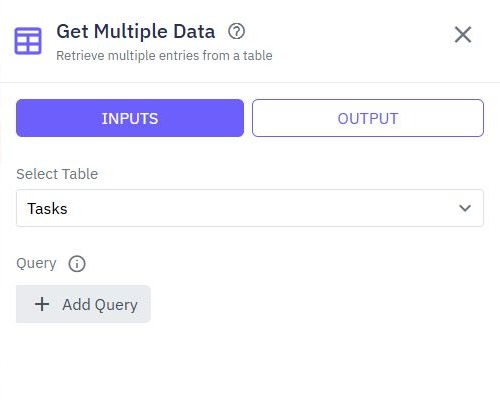
This guide covers the page-side table behavior. First configure the bounded backend query in filter, sort and paginate an API. Prepare a development dataset with enough synthetic rows to cross a page boundary. Define a stable sort, the accepted filter fields and the exact result shape.
Choose one loading mode. The built-in Load pages from API mode expects a result object with rows as a list and total as a nonnegative count by default. Configure that backend response deliberately; it is not automatically added to a generated endpoint. For a page-function-driven table, you can map a different result shape into page state instead. Keep customer scope and allowed output fields on the backend.
2. Bind the table to an explicit list variable
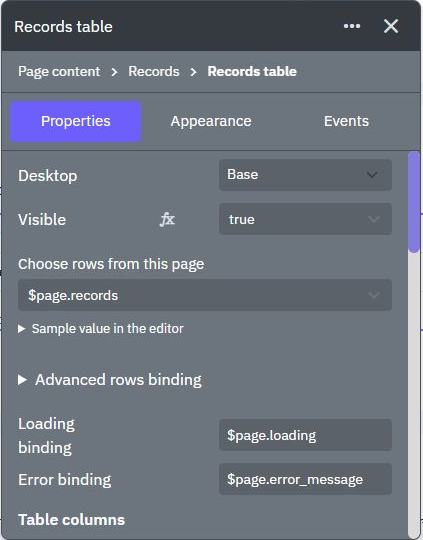
Add a table and define page state for rows, current page or offset, page size, loading and error. For page-function loading, leave Load pages from API off, connect Choose rows from this page to the returned list, and map columns to safe record properties. The current editor also exposes Loading binding and Error binding. Give each row a stable identifier for later view or edit actions.
Use a bounded page size appropriate to the interface and enforce its maximum in the endpoint. Loading every database record and slicing the array in the browser does not protect performance or data access. The page-table tutorial introduces the binding; this guide adds navigation and failure handling.
4. Reset position when search or sort changes
When a filter changes, return to the first page before requesting the new result set. Otherwise an old offset can make a valid filter appear empty. Map only supported values to the endpoint, and use the same predicate for data and any displayed count.
Clear search and restore defaults through the same loading function. For shareable filter state, use URL query parameters. Never let the browser remove tenant or owner scope by omitting a filter; those conditions belong in the backend workflow.
5. Distinguish empty data from a failed request
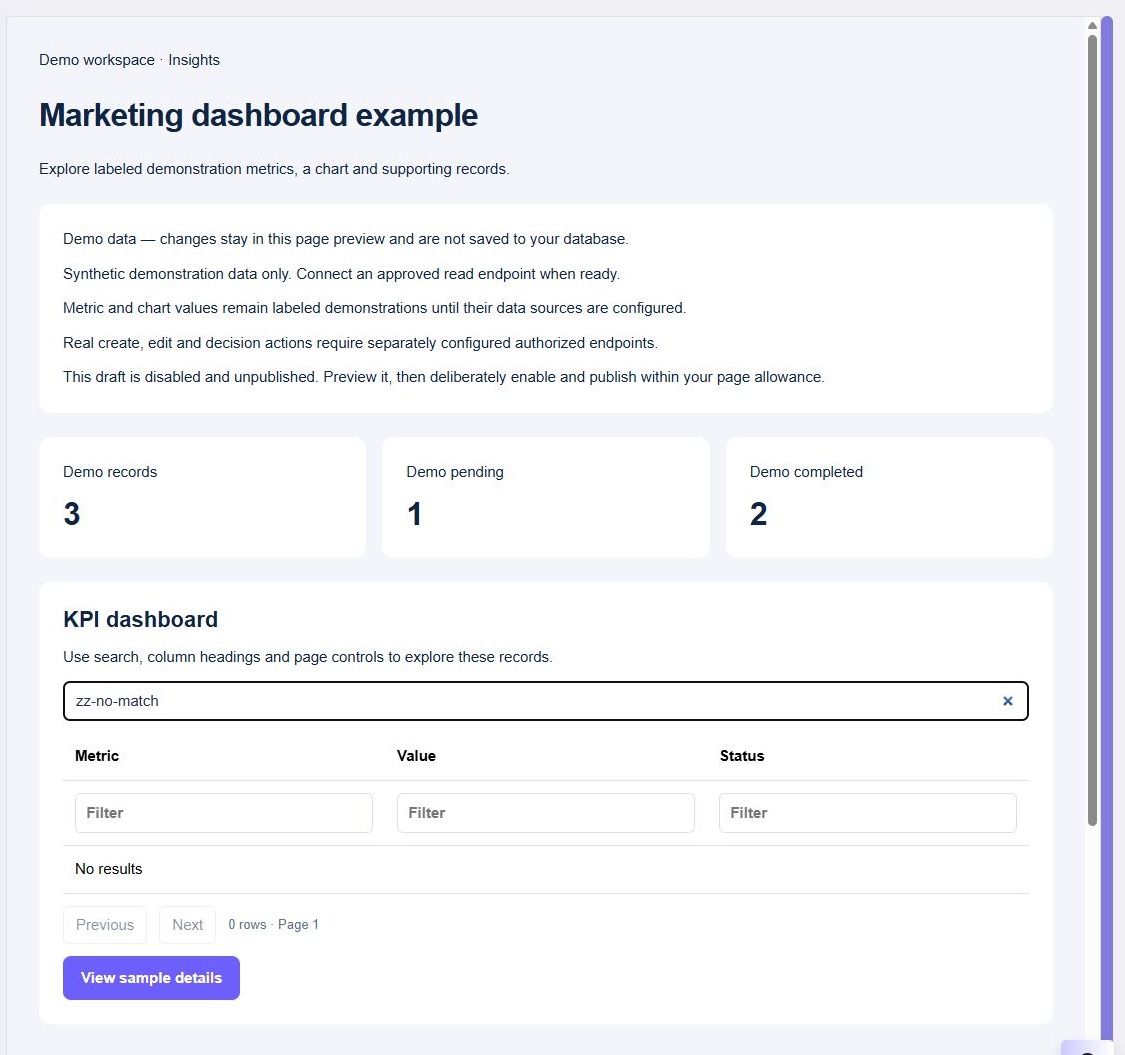
A successful empty first page can say No matching records. A denied request, timeout or server failure needs an error state and a retry path. Decide whether old rows remain visible during retry and label them clearly; do not replace a failure with a misleading empty result.
If the last item on a later page is removed, reload that page and return to a valid earlier position if necessary. Offset pagination can shift when records are added or removed. A stable sort reduces ambiguity, but does not turn a changing dataset into a fixed snapshot.
6. Exercise the table as a user
Test an empty dataset, fewer rows than a page, exactly one full page and several pages. Change filters from a later page, clear them, try rapid navigation and simulate a failed read. Verify row actions still use record IDs rather than display positions.
Test keyboard access to controls and a narrow viewport with long cell values. Repeat as a user with fewer permitted records and inspect the network response for unwanted fields. Connect an edit form or a record-detail page after the read journey is reliable.
Go deeper
Supporting documentation
Find the configuration details and reference material behind this page.