
1. Define exactly when a record stops being usable
Use an expiry rule for an application resource such as a temporary draft offer. This example is not a replacement for Twidget's account-token or password-reset mechanisms. Start with synthetic records and a protected read/action endpoint in a test workspace.
Define an instant expires_at and the boundary rule: the item is usable only while server current time is earlier than expiry. Decide whether a missing expiry means never expires or invalid configuration. Document that choice rather than letting null comparisons decide access accidentally.
2. Store a timestamp with an explicit offset
Use a Date field for the expiry and exchange timestamps in an unambiguous format, such as 2026-11-05T12:00:00Z. Test the actual parser and stored value. The letter Z denotes a UTC instant; a local date/time string without an offset leaves important interpretation unresolved.
When someone selects a local calendar time, convert it through an explicit supported timezone-aware mechanism before storing the instant. Do not assume the Date command performs named-timezone conversion. Daylight-saving transitions can create repeated or nonexistent local times; require a clear policy for them. See booking requests for the surrounding scheduling decisions.
3. Check expiry inside the action that needs it
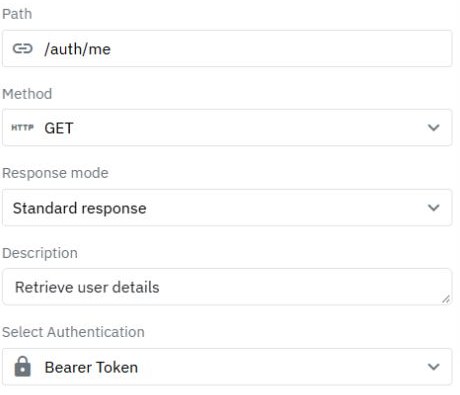
Resolve the caller and record under the correct ownership rules. Obtain backend time with Current Date, then validate the expiry boundary before returning private data or performing the protected mutation. Never trust a browser clock or a caller-supplied current time.
For an expiring draft offer, combine expiry with the permitted state, such as open, and the authenticated owner. A valid date does not authorize another user. If state can change concurrently, design and test the transition together with the database mutation; a separate earlier read is not an automatic race-prevention mechanism.
4. Derive durations deliberately
The documented Date commands include Add Time and Minus Time. Use them when deriving an expiry from a backend timestamp and your chosen duration, then verify the resulting value. Decide whether your policy means elapsed hours or a local calendar deadline before choosing the calculation.
Do not accept an arbitrary expiry supplied by the browser when it changes access or price eligibility. Bound any permitted user choice on the backend. Keep display formatting separate from stored comparison values; localising a label should not move the expiry instant.
5. Use scheduled work for cleanup, not the access boundary
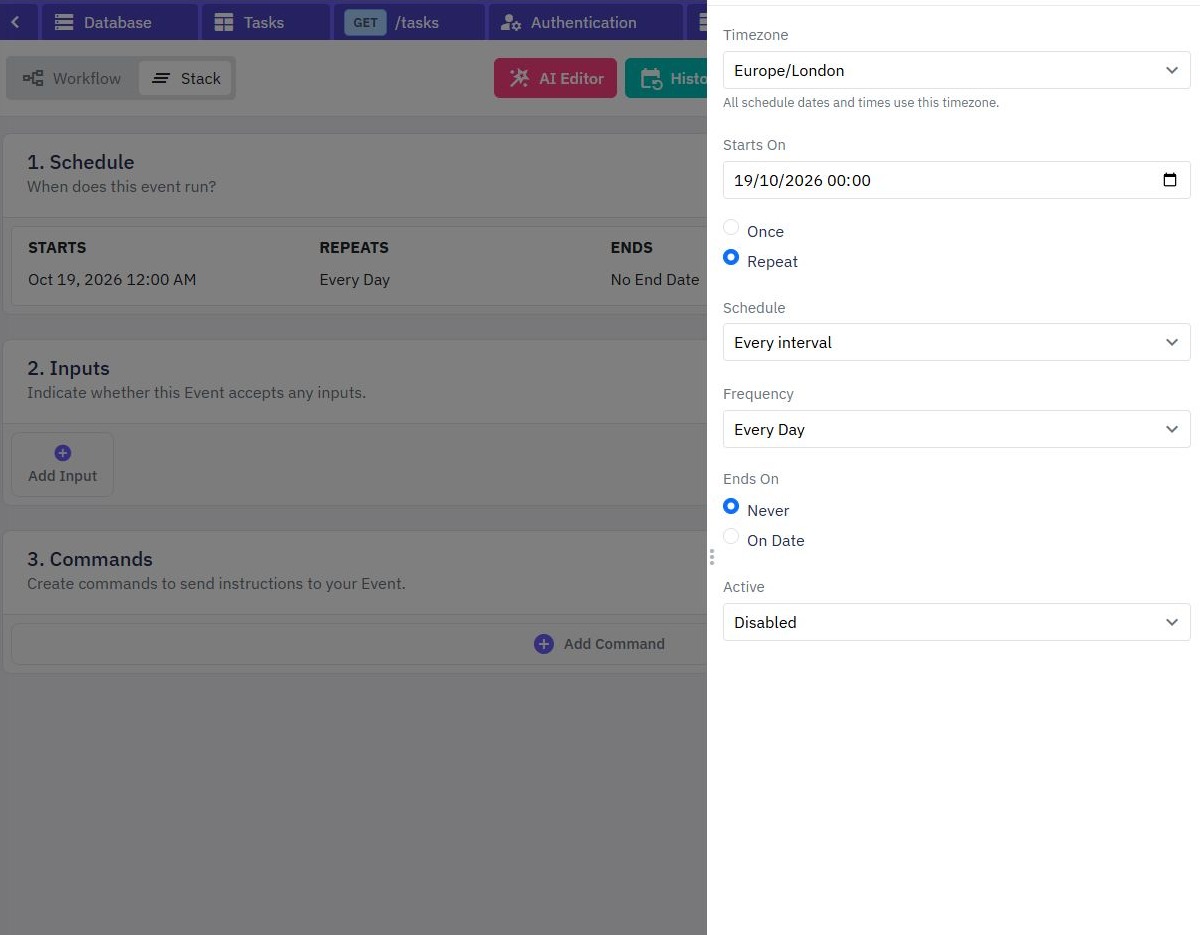
A scheduled event can mark expired rows or carry out a reviewed retention process. It may run after the exact deadline, so access must still check expiry immediately. A row that has not been cleaned up is not necessarily usable.
Start with a read-only query identifying expired fixtures, then test any mutation against synthetic data. Keep an archive/recovery policy separate from permanent removal. Use scheduled workflows for the event controls and archive and restore for reversible state changes.
6. Test before, at and after the deadline
| Case | Expected under this policy |
|---|---|
| Backend time earlier than expiry | Allow only if ownership and state also pass |
| Backend time equal to expiry | Deny the protected action |
| Backend time later than expiry | Deny even if cleanup has not run |
| Missing or invalid date | Apply the explicit missing-date rule |
Use a test-only controllable comparison value or fixtures far enough around the clock boundary to make tests reliable. Never expose a production clock override. Test different input offsets describing the same instant, your relevant daylight-saving cases, denied users and stale pages. Refresh the page after expiry and verify server behavior remains authoritative.
Go deeper
Supporting documentation
Find the configuration details and reference material behind this page.