
1. Define the read and update contracts
Use this workflow when someone edits an existing task rather than creates a new one. Prepare a synthetic task with a title and status, an authenticated read-by-ID endpoint and an update endpoint. Review generated CRUD endpoints first; generation does not decide which fields this user may change.
Write an explicit field list. For example, a customer may update title and status while owner, internal notes and creation time remain backend-controlled. Define how the API handles missing, archived and unauthorized records. The examples below describe a contract to configure and test in development, rather than a prebuilt edit screen.
2. Load the selected record through an authorized read
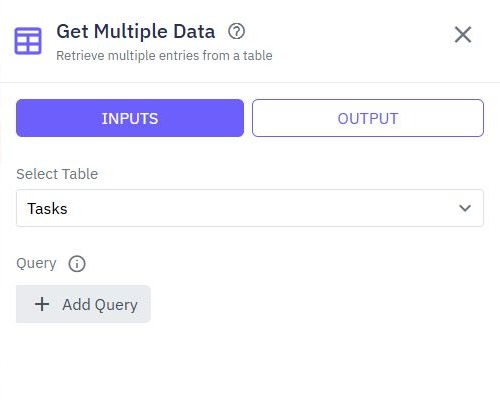
Use a stable record identifier from the selected row or page path. A page function calls the read endpoint and stores the allowed fields in page state. The backend must resolve the identifier within the caller's permitted records; the URL is input, not evidence of ownership.
Show loading until that read finishes. For unavailable records, show a useful state and leave Save unavailable. Do not fall back to a blank create form: a failed edit lookup must not silently create a second task. Test the read contract separately with two synthetic customer accounts.
3. Separate the saved record from unsaved form values
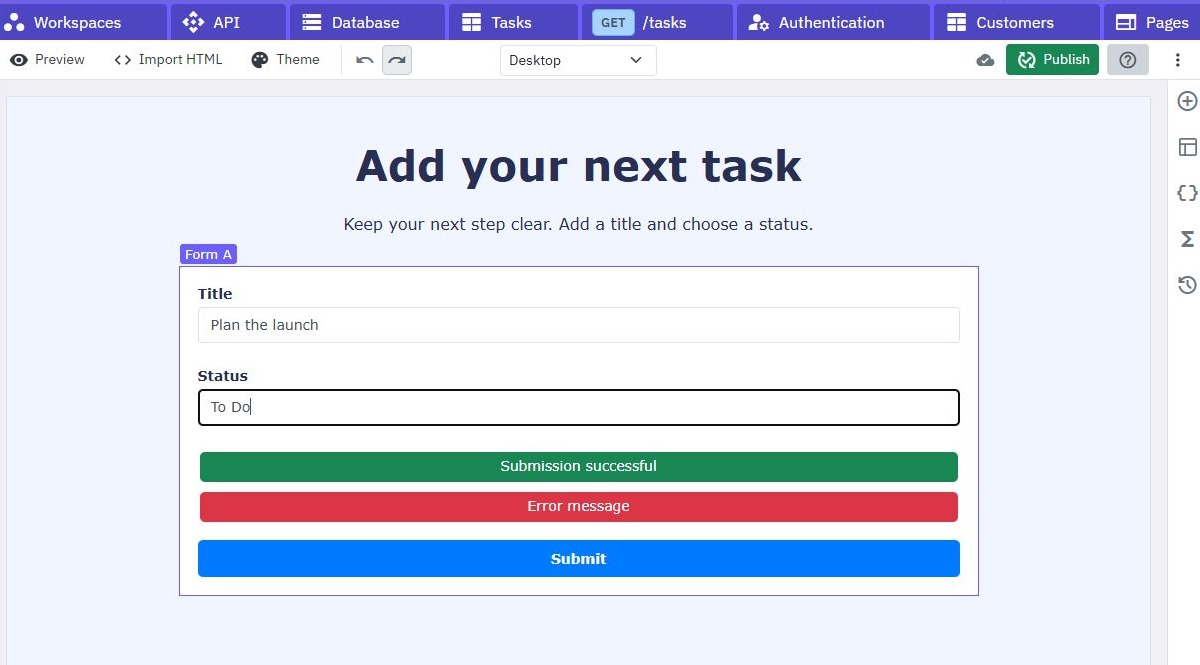
Add named title and status inputs inside the form. Populate their initial values from the successful read. Keep a separate original snapshot when you need Cancel or an unsaved-change comparison. Bind displayed text and editable inputs deliberately; seeing a title above the form does not prove the input has that value.
Use a fixed status vocabulary and preserve a meaningful empty value. Do not use a truthiness fallback that replaces legitimate false or zero values with a default. On Cancel, restore the last loaded values or leave without saving according to the app's policy. Watch page forms for collecting named inputs.
4. Save an allowlisted update
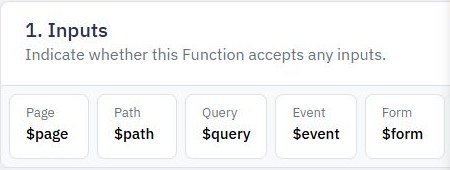
Connect the submit action to a page function. Send the selected identifier and only the editable fields using the actual endpoint's method and shape. An illustrative payload is {"title":"Review launch checklist","status":"in_progress"}. Do not submit the entire page-state record back to the database.
Authenticate and authorize again in the write endpoint. Map the allowed fields explicitly into Update Data. Validate title length, permitted status and any state-transition rules before writing. Disable repeat submits while pending, then replace local state with the confirmed server result or reload it. Use form error feedback to retain edits after rejection.
5. Choose what happens when another editor saves first
Two people can open the same record and overwrite each other's changes. Decide whether last-write-wins is acceptable. If conflicts matter, design a version or equivalent conditional-update check on the backend and prove it works under competing writes. An earlier read followed by an unrestricted update does not establish conflict detection.
When the server rejects a stale edit, preserve the unsaved values and offer a reload or comparison. Never silently claim both sets of changes were merged. A transaction around several supported writes can help consistency, but is not itself proof that your version precondition was enforced.
6. Verify persistence, cancellation and denied writes
Edit the synthetic task, save, reload the page and confirm the database contains the intended fields. Cancel a second edit and confirm storage remains unchanged. Repeat with an invalid status, a deleted record, an expired session and a second customer trying the same identifier.
Compare the stored owner and internal fields before and after every test. Also test two competing edits and a network timeout whose write outcome is uncertain. Continue with an audit history if staff need a durable record of changes, or connect the form to a paginated records table.
Go deeper
Supporting documentation
Find the configuration details and reference material behind this page.