

Start with your application, then choose the builder
Consider Twidget if you want to connect a visual database, API commands and browser pages within one project. Consider Xano if you want a backend workflow that combines visual development with XanoScript and documented tools for branching and merging. Both deserve a trial against your actual requirements.
This comparison was checked on using the official documentation linked below. It describes documented workflows; it does not report a timed build, a load test or a security audit. Product capabilities and plan availability can change.
If you are still defining your requirements, first explore the Twidget API builder and the broader backend workflow. A platform's feature list matters less than whether you can understand and maintain your application's logic.
Compare the same project: tasks, accounts and a frontend
Use a small task manager as your evaluation project. Each task needs a description, a status and an owner. A user must be able to sign up, log in, create a task, view their tasks and change a status. A second user must never gain access to the first user's private tasks.
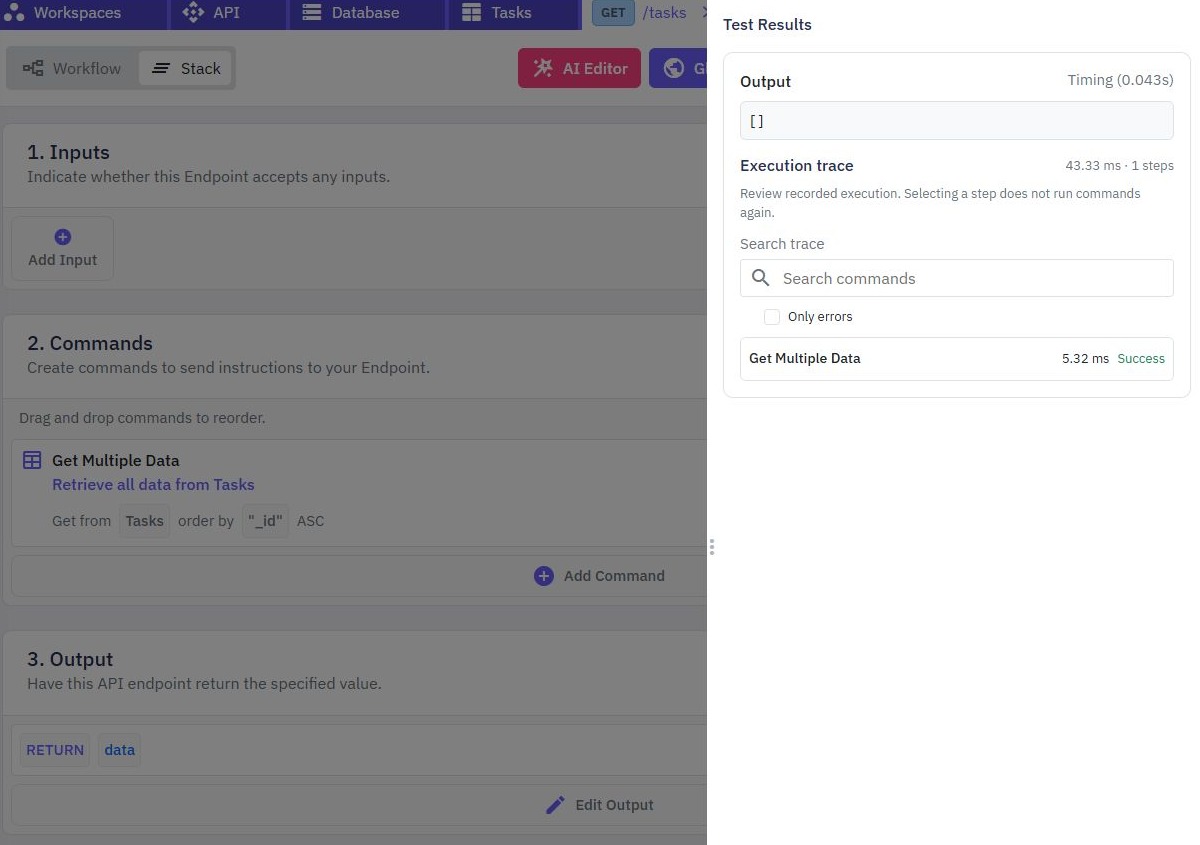
In Twidget, create the task and authentication tables, generate CRUD and authentication endpoints, and review the commands behind them. Add ownership checks to reads and writes. Then connect the endpoints to a task form and list using Pages, or call them from your own frontend. Our task-management guide connects these pieces.
In Xano, create the data model, add CRUD and authentication APIs, and configure the task ownership rules in backend logic. Its API documentation describes inputs, logic and responses, with Canvas View, Function Stack and XanoScript as development options. Connect the resulting endpoints to the frontend you select.
Keep the acceptance criteria identical. A successful login alone does not establish private data access. Try an unauthenticated request, an invalid task status and a request for another user's task before deciding that either implementation is ready.
How the documented workflows compare
| Decision | Twidget | Xano |
|---|---|---|
| Build the task API | Generate table endpoints, then edit their command workflows. CRUD documentation | Build API inputs, logic and responses visually or with XanoScript. API documentation |
| Authenticate requests | Generate signup/login endpoints and configure bearer authentication. Authentication documentation | Enable table authentication and protected endpoints, with prebuilt authentication APIs. User authentication documentation |
| Build and connect the interface | Use form/authentication generators and custom browser pages, or an external frontend. Pages documentation | Connect a coded, AI-built or no-code frontend. Static hosting is also documented. Frontend options |
| Review team changes | Evaluate the publishing and history controls against your team's process. Page publishing and history | Dedicated branching and merging documentation describes parallel work on backend logic. Branching documentation |
Where each approach deserves a closer look
Twidget is worth evaluating when your first goal is a connected app: a table, an endpoint, a form and a visible result. Its web app builder gives you an interface path to investigate alongside the backend. Check the components, responsive layouts and interaction patterns your particular app needs rather than assuming every design is covered.
Xano may fit better when a team's requirements explicitly include working between visual logic and a scripting representation, or branching and merging backend changes. Those documented workflows provide concrete evaluation criteria. Verify which plan includes the controls you need and test how your team reviews and releases changes.
Frontend hosting and frontend authoring are separate decisions. Xano documents static frontend hosting, so choosing it does not necessarily mean buying another hosting service. You still need to decide how the interface is authored, how it handles sessions and how it calls the backend.
Compare the complete cost and make one change
Compare Twidget pricing with Xano's current pricing using your expected users, request volume, storage, environments and team size. Include frontend tools and any add-ons. Free development allowances do not establish production capacity, and a subscription price alone does not establish the cost of your finished app.
Before committing, change one requirement: add a due date, restrict a write to the task owner, or display a useful validation error. Notice where that change belongs and whether another team member can follow it. Then investigate export options, backups, support and any contractual requirements directly with the provider. Choose the workflow you can operate confidently after the prototype is finished.
To evaluate Twidget, start with the REST API guide, then add the authentication workflow. The guides hub provides the next steps without requiring you to build everything at once.
Go deeper
Supporting documentation
Find the configuration details and reference material behind this page.