
1. Define requests and allowed transitions
Use a synthetic equipment request with a title, requester reference and status. Start with pending, then permit an authorized reviewer to choose approved or rejected. Write down whether a final decision can be changed and whether a requester can review their own request.
Keep a separate decisions table with the request reference, reviewer reference, decision, reason and timestamp. For the first version, keep this as an internal demonstration without payments, purchases or real personnel decisions. The related-table guide covers the record model, while permission rules separate requesters from reviewers.
2. Create the approvals page draft
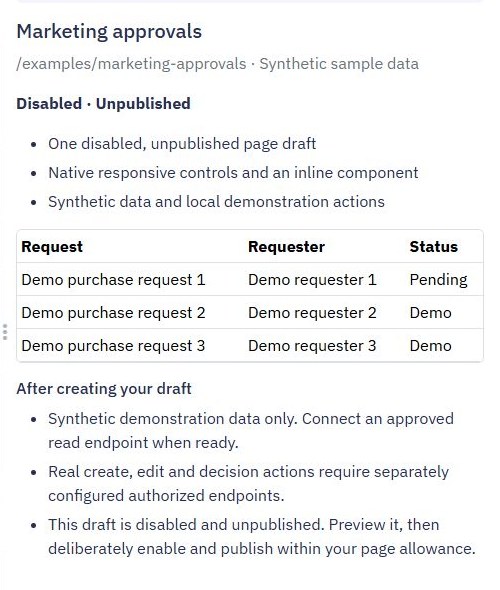
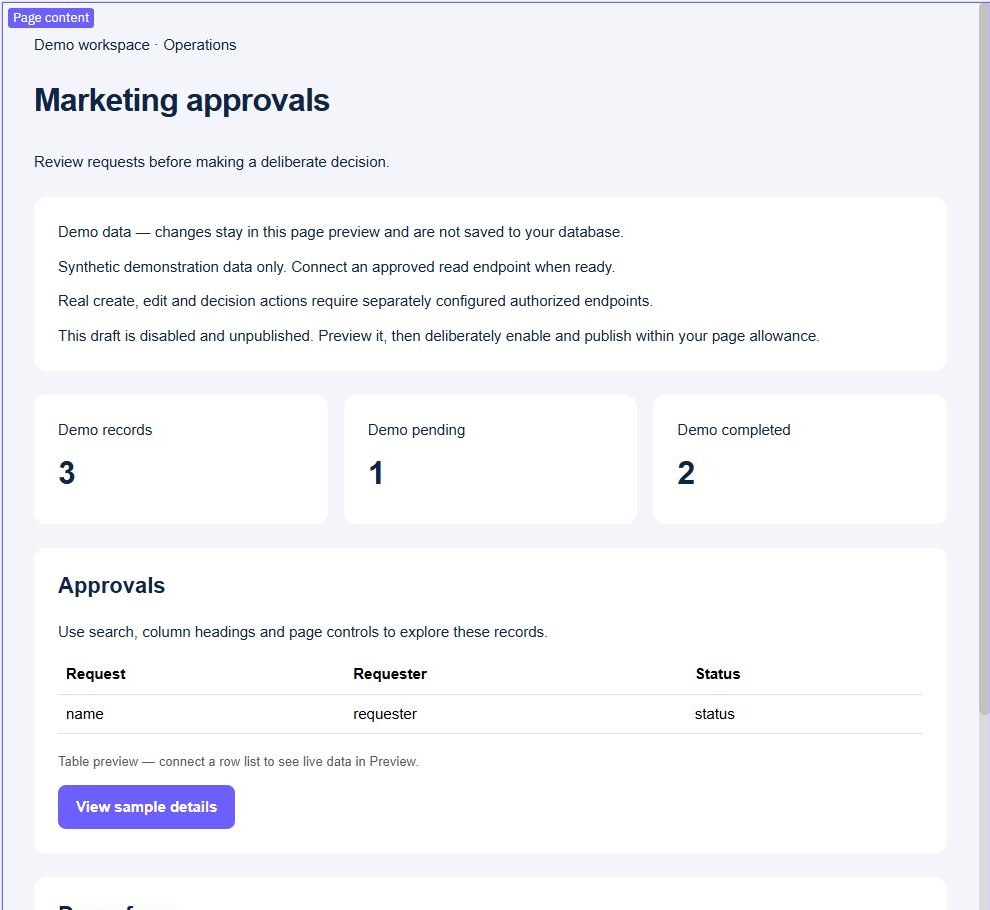
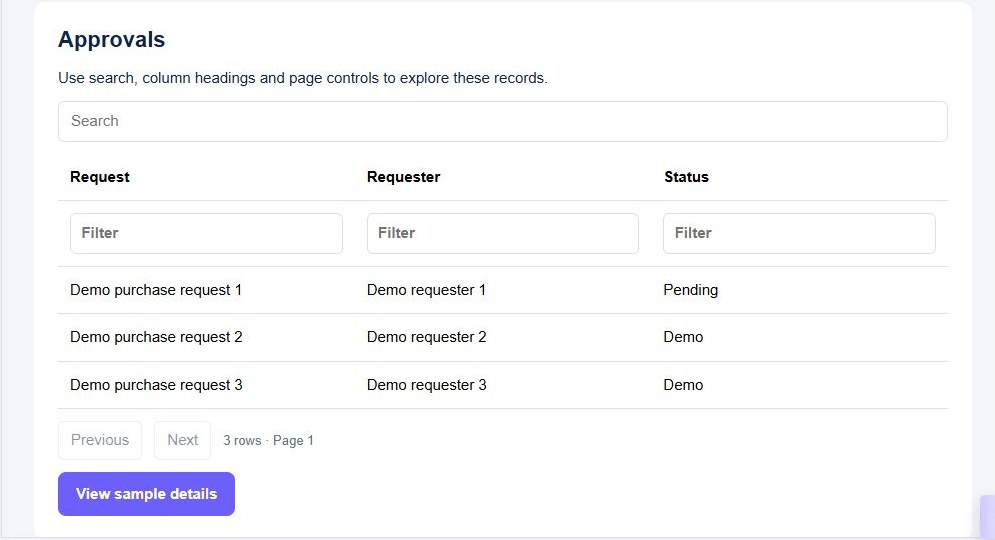
Choose Pages → Create Page → Page starters → Approvals. Review the synthetic records and resource summary, then create the disabled, unpublished draft. Preview the queue, details and demonstration actions before connecting it to a decision endpoint.
The starter's local demonstration is a layout and interaction reference. It does not grant reviewer authority or create a durable approval record. Rename labels to your process, make the current state visible and give the reviewer enough context to make a deliberate choice. Keep the pending queue separate from completed decisions.
3. Validate the reviewer and current state
Create a protected decision endpoint with request ID, decision and reason. Resolve the reviewer from the authenticated session, then verify the permission to review that specific request. If your policy prohibits self-approval, check the verified reviewer against the stored requester.
Validate that the requested decision is supported and that the stored request is still pending before writing. Never accept a caller-supplied reviewer identity or trust the status displayed in an old browser tab. Test two reviewers acting on the same request and use a supported conditional update strategy so only a valid transition is accepted.
4. Save the decision and state consistently
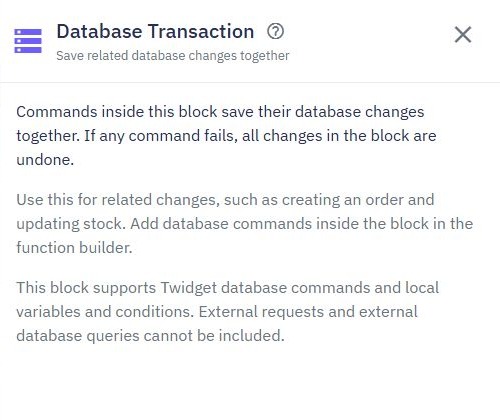
Group supported database changes using Database Transaction: save the decision record and update the request state together. Verify the concurrency strategy for the transition as well as the grouped writes. A transaction alone does not make an earlier stale read safe.
Deliberately fail a database check and verify that no half-written decision remains. Keep messages and external actions outside the transaction. For repeated submissions, assign a stable decision-request identity and enforce a verified uniqueness rule. The duplicate-processing guide explains why a browser's disabled button is insufficient retry protection.
5. Connect deliberate approve and reject actions
Replace the local sample actions with calls to the authorized decision endpoint. Show the selected request and proposed decision clearly, require a reason when your policy needs one and prevent duplicate submission while waiting. Reload the canonical stored state after success.
If another reviewer acted first, show the current result and ask the user to refresh rather than overwriting the decision. Test approved, rejected, missing-reason, unauthorized, self-review and already-decided cases. Then add a notification after a saved decision only if delivery is configured and verified separately.
6. Review the complete approval process
Use synthetic requesters and reviewers to verify both allowed actions and direct rejected calls. Check the decision history and final request state rather than relying on a success toast. Decide who may read the history and how corrections are represented without silently erasing the original decision.
Publish reviewed pages and workflows together and repeat the lifecycle through the released interface. The starter screenshots illustrate configuration and sample interactions; they are not evidence of a production approval control. See the internal tool builder for the wider workflow, or save regression tests for its backend transitions.
Go deeper
Supporting documentation
Find the configuration details and reference material behind this page.