
Start with one operational process
An internal tool should make a specific team task easier: reviewing incoming requests, correcting a catalogue or tracking stock. Choose one process with an identifiable owner and an observable result. Write down the data it reads, the changes staff may make and who approves those changes.
Twidget brings pages, database tables and backend workflows into the same platform. A records-management tool is a useful starting point: search for a record, inspect its details, submit an allowed edit and reload the saved result. For customer-facing access, use the separate customer portal guide. Internal access still needs authentication and endpoint permissions.
Start with a records-manager page
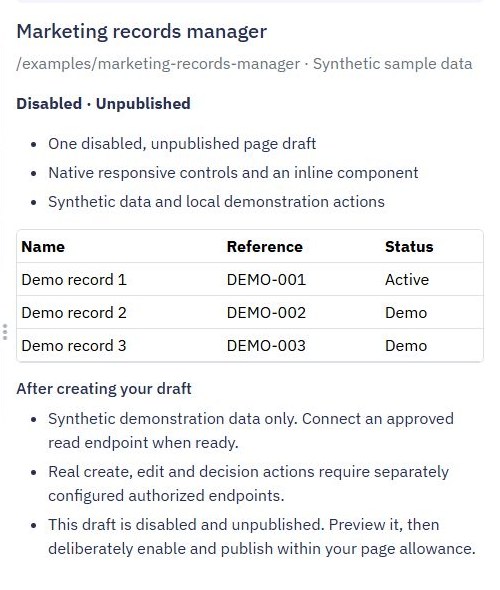
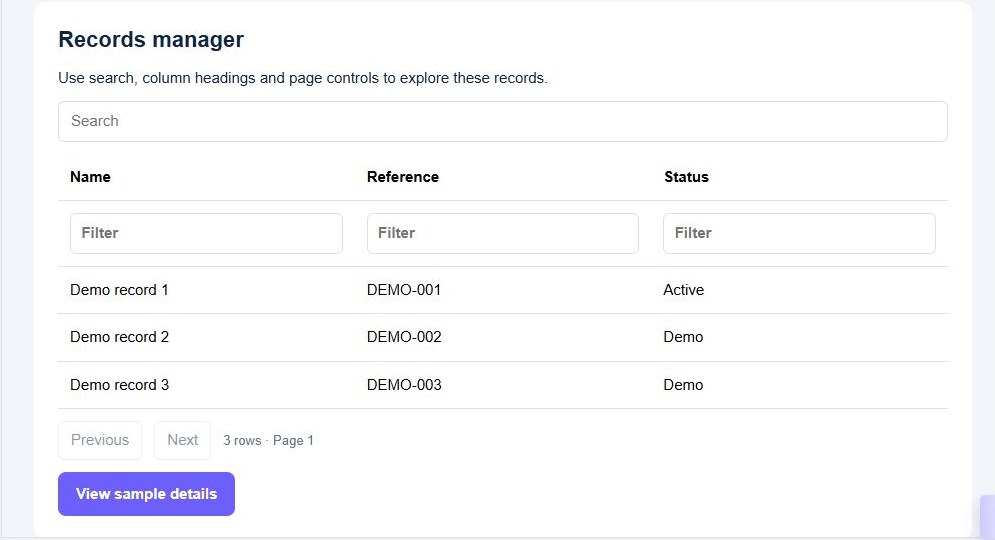
Choose Pages → Create Page → Page starters → Records manager. Review the draft with synthetic data before saving it. The Marketing example contains a searchable table, a sample detail action and a demonstration form. The created page is disabled and unpublished, giving you a place to review the design before release.
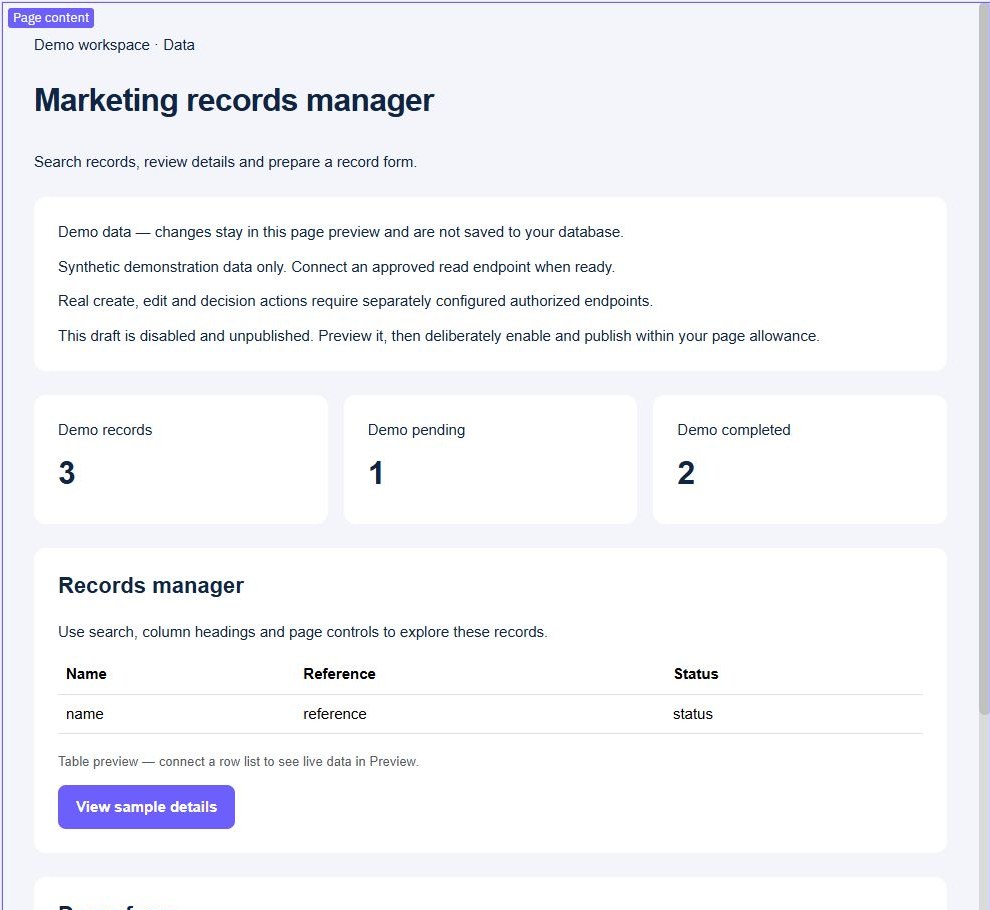
Sample interactions operate on preview data. They do not update your database or implement staff access. Use the preview to check labels, form spacing, search results and empty feedback. Rename generic fields to the terms your team uses. A useful tool should make the current status, selected record and next available action easy to understand.
Connect deliberate reads and writes
Create or connect the tables your process needs, then build endpoints that return only the necessary fields. The CRUD guide provides an initial record lifecycle. Replace broad generated writes with explicit field mapping and validation before attaching a staff form.
For example, a support operator may change a request's status and internal note, while an administrator controls assignments. Check those permissions in the backend for every mutation. Use separate admin and customer rules where the same database serves both audiences. Restricting a menu item does not prevent someone calling its endpoint.
Prefer to follow the controls on screen? Watch the existing tutorial: connect a page table to a read endpoint.
Add summaries, decisions and notifications
Add a dashboard summary when staff need counts or totals, and keep its filters consistent with the detailed list. For controlled decisions, follow the approval workflow guide so requesters and reviewers have different allowed actions.
Use inventory workflows for stock movements, or transactional email for a deliberate notification after a saved action. External messages need their own delivery and retry checks. Do not assume a database rollback can undo an email already sent.
Check fit, maintenance and release
Twidget fits teams prepared to model their data, review endpoint behavior and maintain access rules alongside a visual interface. Starting from a layout or AI proposal can reduce setup work, but generated output still needs inspection and tests. A specialized packaged system may fit better when you need a complete industry workflow, certified controls or integration behavior you have not verified.
Test with synthetic records before moving real operations into the tool. Confirm plan allowances on pricing, check any external service costs and decide who owns future changes. Use API journey tests and a reviewed release process to keep the tool understandable as it grows. Begin with one team and one clear process.
Go deeper
Supporting documentation
Find the configuration details and reference material behind this page.