

1. Model projects and tasks with record IDs
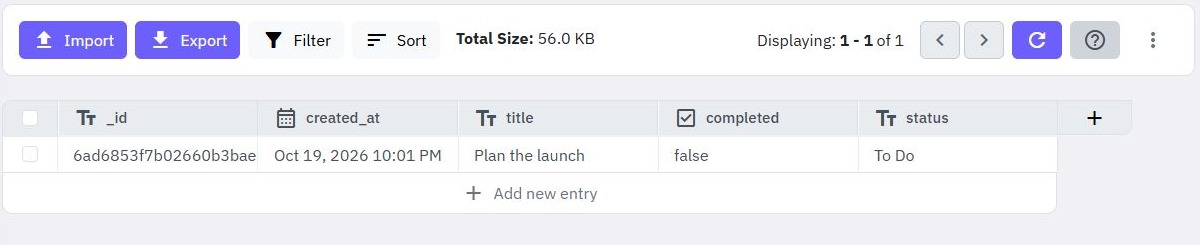
A task belongs to a project, while a project can have many tasks. Represent that one-to-many relationship with two tables: projects containing a text name, and tasks containing text title, text status and a project_id reference. Twidget generates an _id for each record.
Create a synthetic project called “Marketing launch”. Copy its actual generated _id into the project_id value of two disposable tasks. Store a compatible identifier value; the task's own _id and its project_id mean different things. Use a second project and task when checking that filters do not mix the projects together.
Choose the reference field type that preserves the ID representation your query uses, and inspect a returned record to confirm it. Do not use the project name as a substitute: names can change or repeat. The table-relationship documentation describes ID-based one-to-one, one-to-many and junction-table patterns.
These references are a data model. Storing a project ID does not itself prove that the project exists, belongs to the current user or will survive a later deletion. Add those decisions explicitly. For your first tables, follow the CRUD API guide.
2. Include each task’s project in the read response
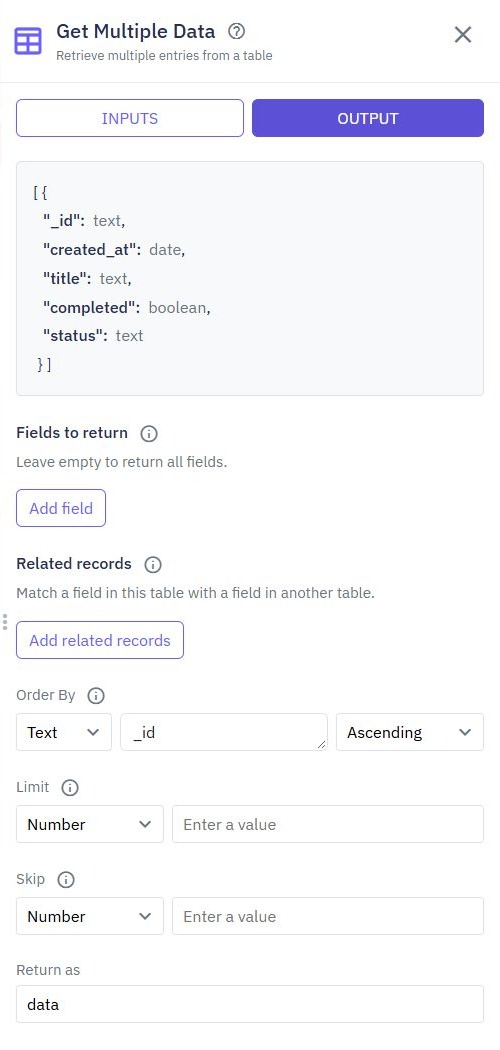
Create a custom GET endpoint such as /examples/tasks-with-projects. Add Get Multiple Data and select the tasks table. Set an intentional record limit before adding related records so a demonstration cannot become an unbounded list.
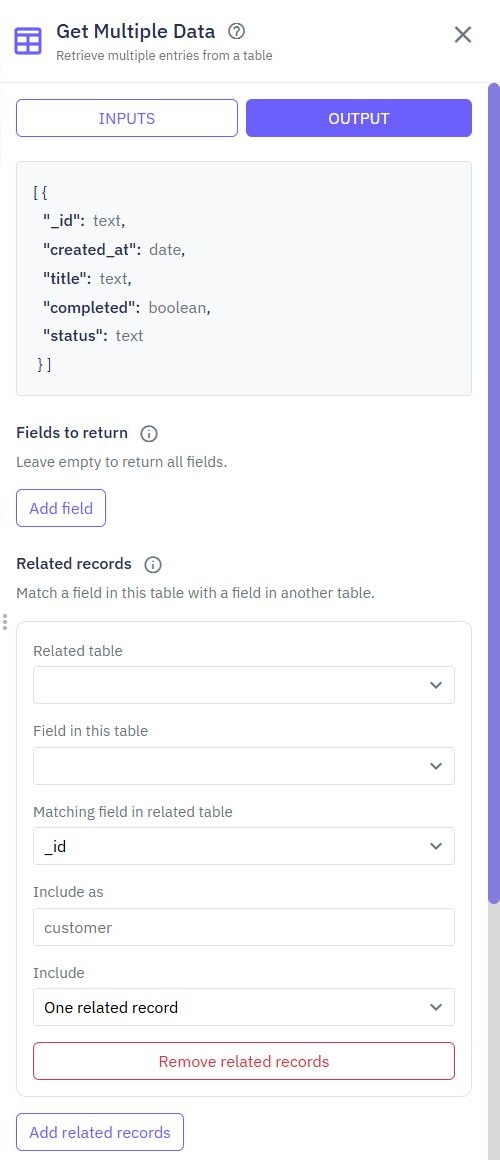
Open OUTPUT. Under Related records, select Add related records. Set Related table to projects, Field in this table to project_id, and Matching field in related table to _id. Set Include as to project and choose the single-record option under Include.
Use project as a new output name; do not overwrite project_id or an existing task field. Give the database command a clear Return as name, then select that value in the endpoint's Output. Run a draft check and inspect where the project appears in each task.
The intended contract is a task containing its own fields and a nested project object. Confirm the actual structure before building a client around it. The related-records documentation shows the same controls using orders and customers; the field names here belong to this example.
3. Retrieve the task list for one project
For a project detail screen, use a route such as GET /examples/projects/{project_id}/tasks. Add the project_id path input and map it into the tasks query: stored project_id equals the path input. Keep the identifier in the path consistent with the one the client selected.
Set a limit and stable ordering for the child list. A project can accumulate many tasks, and including them all in a single detail response can grow without bounds. The filtering and pagination guide explains how to expose deliberate result bounds.
You can also retrieve projects and include tasks through Related records: match the project's _id against the task's project_id and choose the list option. That is useful for a small bounded result. A separate paginated child endpoint is easier to control when task counts grow.
Define what a missing project means. A child query returning an empty array cannot tell the caller whether the project exists with no tasks or does not exist at all. If that distinction matters, look up and authorize the project first, then query its tasks. Return the error or empty-state contract your frontend is designed to handle.
Go deeper
Supporting documentation
Find the configuration details and reference material behind this page.