
1. Define a small sales workflow
Start with one outcome: a salesperson can find a contact, update a deal stage and see the next follow-up. This example is an internal CRM for a small team, rather than a customer portal or an automated sales platform. Use synthetic records throughout development.
Create a company such as Example Studio, a contact named Sample Buyer with buyer@example.com, a Website refresh deal and a follow-up task. Before building, decide who may read and update each deal. A shared sales team and independently owned pipelines require different access rules. Begin with the internal tool builder if you are choosing the overall approach.
2. Separate contacts, deals and follow-ups
Create four tables: companies, contacts, deals and follow-ups. A contact references a company; a deal references its company, primary contact and staff owner; a follow-up references its deal and assigned staff member. Store a due date on each follow-up instead of overwriting the deal's history with a single note.
| Record | Minimum useful fields |
|---|---|
| Company | Name and optional website |
| Contact | Name, email and company reference |
| Deal | Title, stage, owner, amount and currency |
| Follow-up | Deal reference, action, due date and completion state |
Use a fixed stage vocabulary such as new, qualified, proposal, won and lost. Keep currency explicit; do not add amounts from different currencies as if they were comparable. The related-data guide explains how to read referenced records.
3. Create the staff records interface
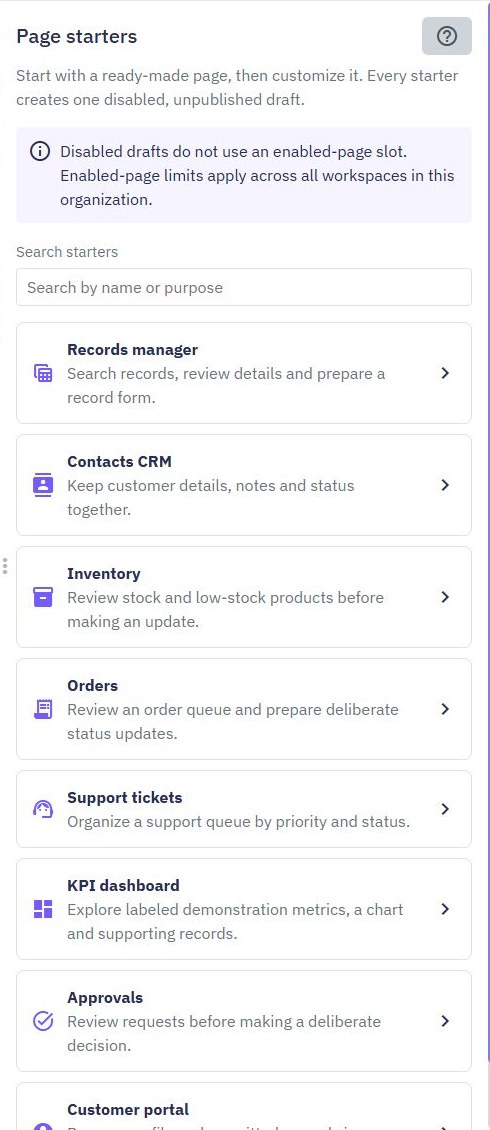
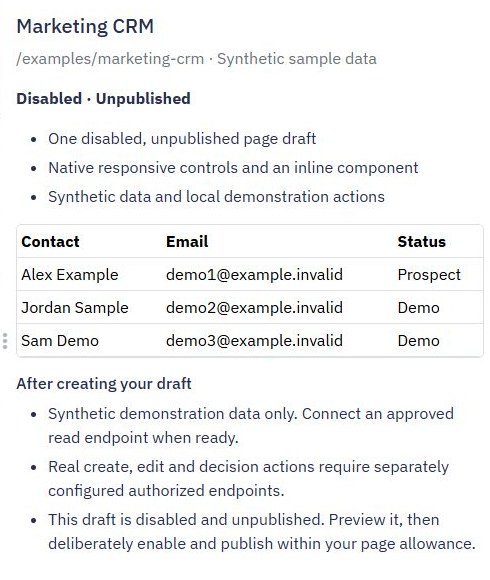
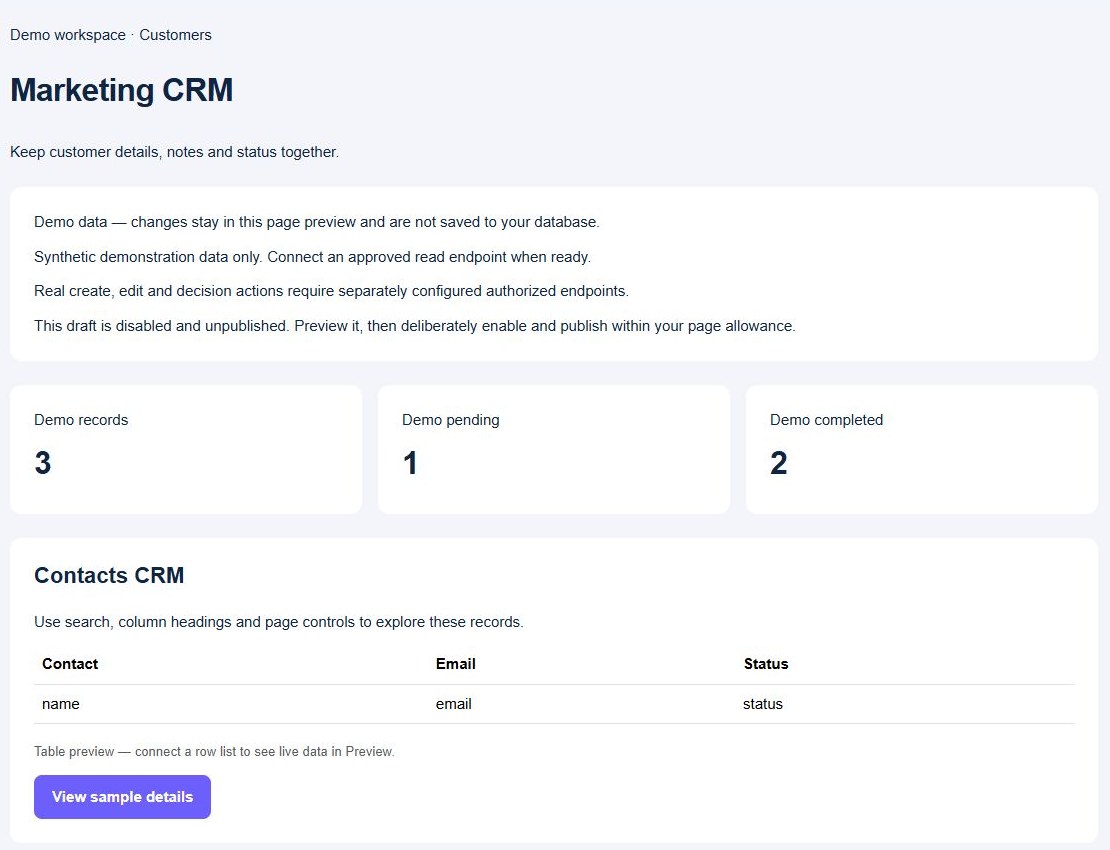
Open Pages → Create Page → Page starters → Contacts CRM. Review a synthetic-data draft before creating it. Start with its contact list and details, then add separate deal and follow-up views for the sales workflow above. The starter is a layout with demonstration actions; it does not create the four-table data model or connect saved database updates for you.
For the deal view, make the title, stage, owner and next action visible in the list. Give each form field a clear name and distinguish an optional note from a required stage. Keep contact editing separate when combining it with the deal form would be confusing. Keep a no-results message and an obvious route back to the complete list.
4. Connect controlled reads and updates
Create a protected deal-list endpoint with bounded results and deliberate owner/stage filters. Connect its actual response list to the page table. Add a detail endpoint that checks access to the requested deal and returns only the fields needed for the view. Follow the filtering and pagination guide as the list grows.
Use a dedicated stage-update endpoint that accepts a deal ID and supported stage. Resolve the staff identity from the authenticated session, verify their permission, and map only allowed fields. Do not attach a generic unrestricted update to a staff form. Create follow-ups separately and reload the saved records after a successful write. Use the permission guide for backend checks.
5. Verify a contact-to-follow-up journey
Run this acceptance check with the synthetic company: create a contact, create a deal, move it to qualified, add a dated follow-up and complete that follow-up. Reload the page after each write and confirm the values persisted. A preview changing local sample rows does not prove that database writes work.
Also test an unsupported stage, missing deal title, deleted contact reference and direct update by a staff account without access. Expected results are a clear validation or access error and no unintended change. If an update appears to vanish, inspect the endpoint response and persisted record before changing the UI. A stale list may need a reload; a failed write needs a backend fix.
6. Release a useful first version
Publish the reviewed page and endpoint versions, enable the intended resources, and repeat the journey on the released URLs. Keep the initial scope to records and follow-ups. Add pipeline summaries only after the stages, dates and currency rules are consistent.
The workflow above is a build-and-test recipe; product screenshots illustrate the relevant editor controls rather than certify a deployed CRM. For a staff handoff, document who owns the data and how to correct a mistaken deal update. Use a verified CSV export for a deliberate data handover, or compare a support-ticket workflow when the team's main job is resolving customer issues.
Go deeper
Supporting documentation
Find the configuration details and reference material behind this page.